
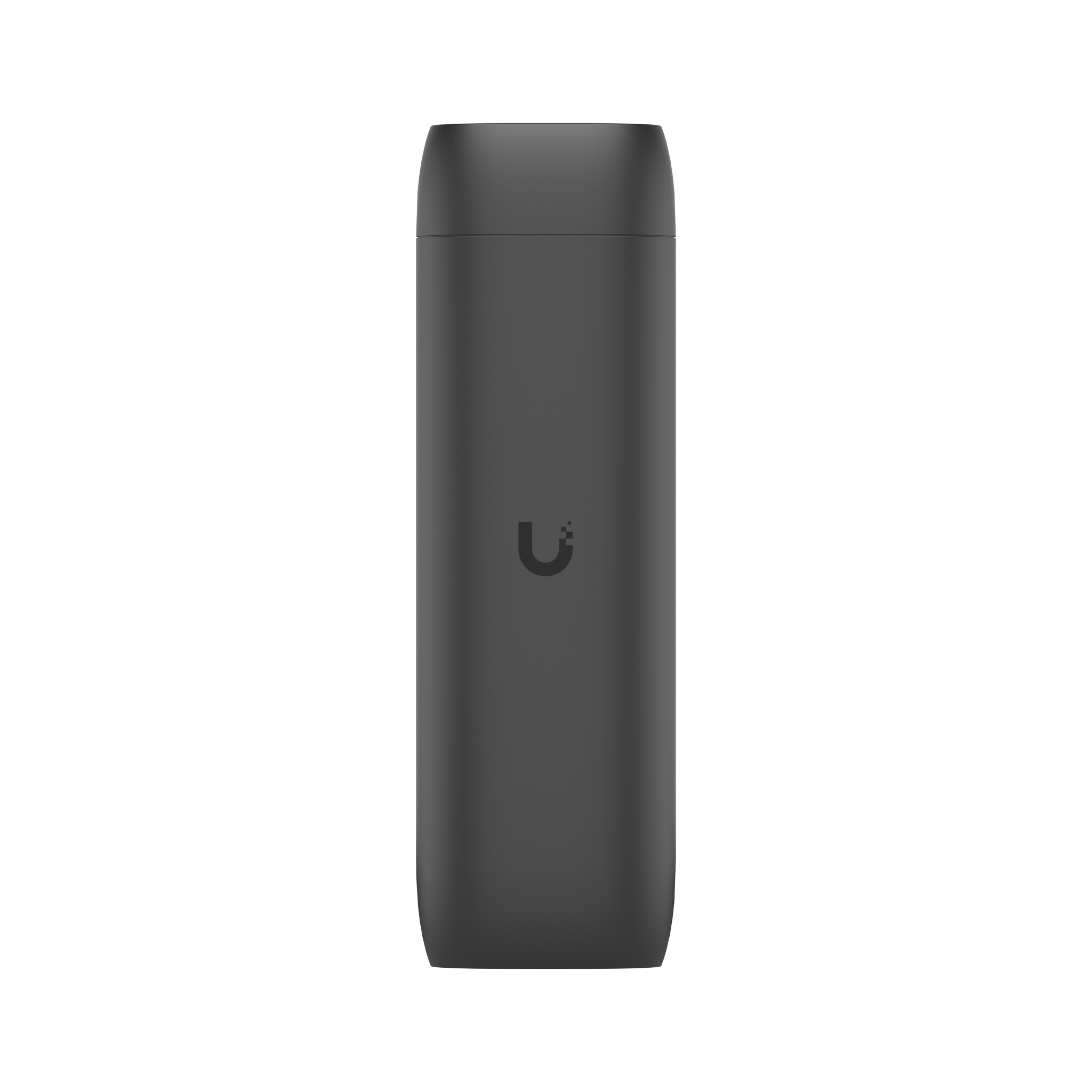
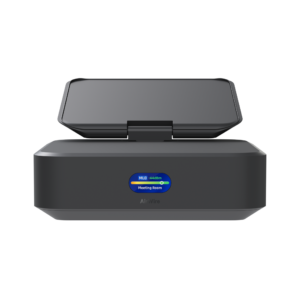
The Ubiquiti UniFi Protect Viewport (UP-Viewport) is a small network appliance that drives an HDMI display directly from UniFi Protect, so a monitor or television can show live camera feeds without a computer sitting behind it. Ubiquiti describes it as an “easy-to-use hub for viewing Protect camera feeds on an HDMI display”. It is the usual answer for a reception desk, a security office, a staff room or a shop counter that needs a permanent live view, and because it is powered over Ethernet it only needs one cable run to the display location plus a short HDMI lead.
Key features
- Shows UniFi Protect live camera views on any HDMI display, with no PC required
- Single GbE RJ45 port carries both data and power over PoE
- Low 9.5W maximum draw
- Compact polycarbonate housing that can sit behind the display
- Factory reset button and ESD/EMP protection of ±8 kV air, ±4 kV contact
- Managed from UniFi Protect on the web and the iOS and Android apps
- NDAA compliant
Specifications
| Model | UP-Viewport |
| Dimensions | 157 x 52 x 37 mm (6.2 x 2.1 x 1.5″) |
| Weight | 230 g (8.1 oz); 252 g (8.9 oz) with TV mount |
| Enclosure material | Polycarbonate |
| Mount material | Polycarbonate |
| Networking interface | (1) GbE RJ45 port |
| Power method | PoE |
| Max. power consumption | 9.5W |
| ESD/EMP protection | Air: ±8 kV, contact: ±4 kV |
| Buttons | (1) factory reset |
| Operating temperature | 0 to 40°C (32 to 104°F) |
| Operating humidity | 20 to 80% non-condensing |
| Management | UniFi Protect (web, iOS and Android) |
| Certifications | FCC, IC, CE, Anatel: 06681-25-08356 |
| NDAA compliant | Yes |
Pair the Protect Viewport with an existing UniFi Protect console to turn any spare screen into a dedicated camera wall.
 No products in the cart.
Reviews
There are no reviews yet.