
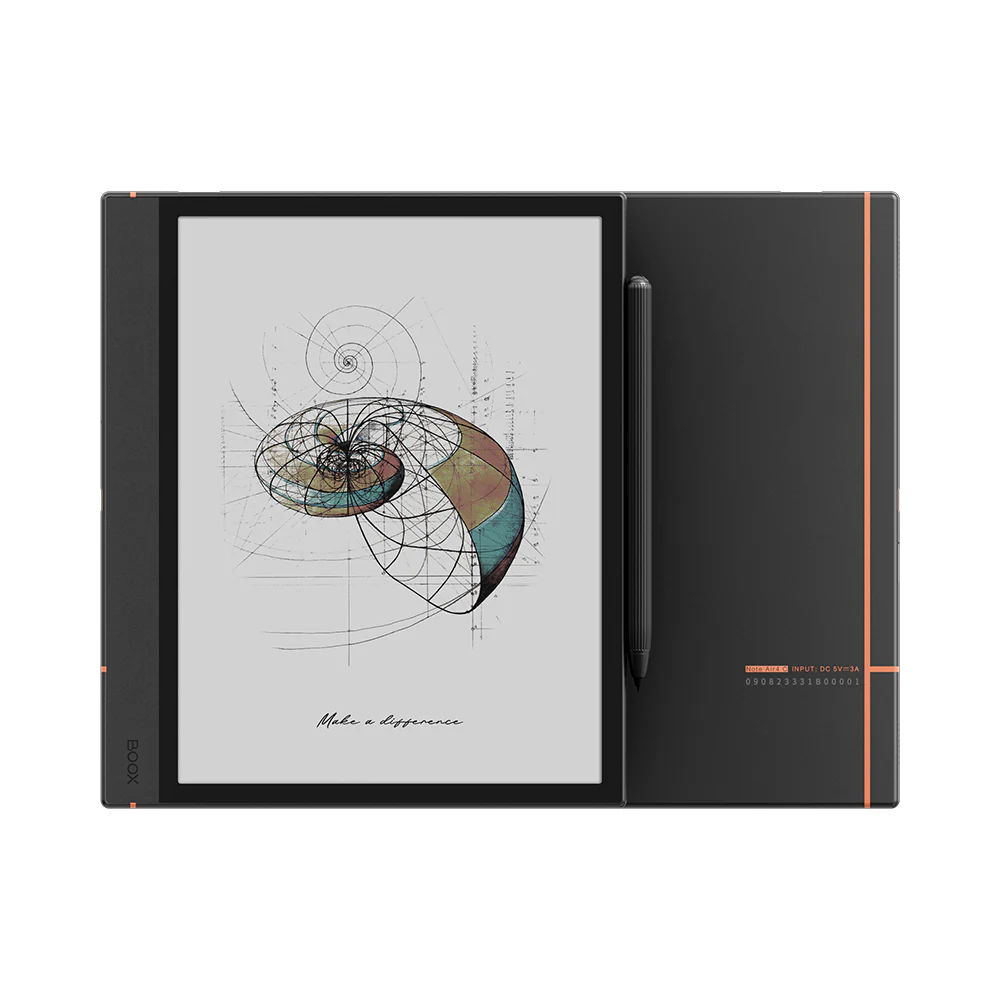
BOOX Note Air4 C
The Color ePaper Notebook for Bold Thinkers and Creators
Transform the way you create, learn, and work with the revolutionary BOOX Note Air4 C. Crafted with advanced BSR technology, an enhanced color ePaper display, and professional-grade note-taking tools, this tablet is designed for those who think boldly and create boundlessly.
Revolutionary Color ePaper Display
Eye-Soothing Kaleido 3 Technology
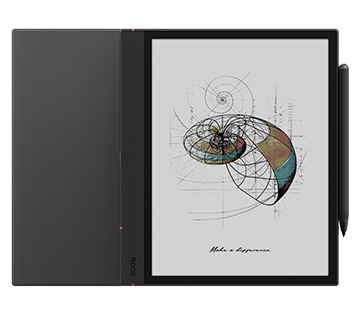
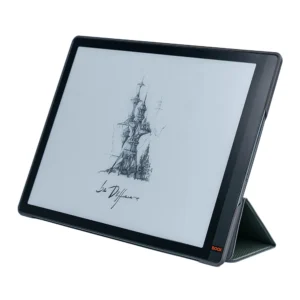
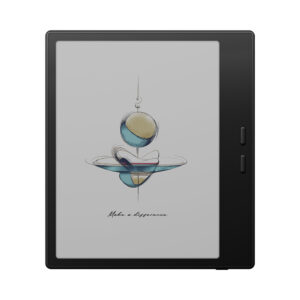
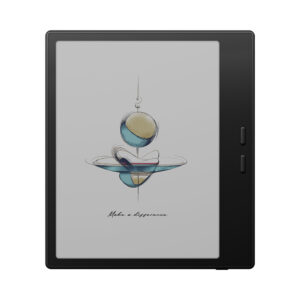
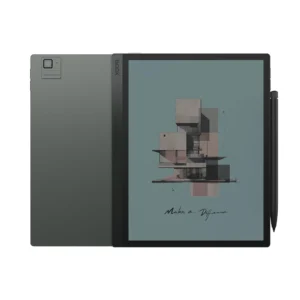
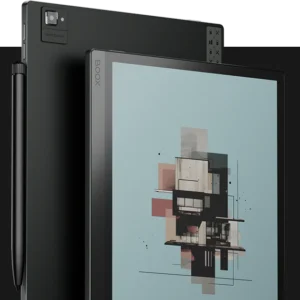
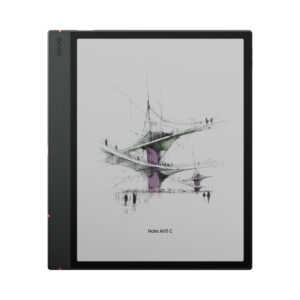
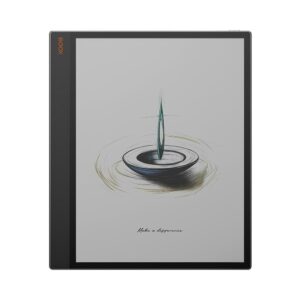
Experience the future of digital reading and note-taking with the 10.3-inch improved Kaleido 3 screen featuring 4,096 colors. The enhanced display delivers a lighter background color with softer hues for visual comfort and a higher refresh rate for quick response. Let the mellow colors spark new ideas and boost your efficiency in reading complex charts, graphs, and creative projects.
Dual Resolution Excellence
• Black & White: 2480 x 1860 (300 PPI) for crisp text and detailed sketches
• Color: 1240 x 930 (150 PPI) for vibrant illustrations and colorful annotations
Unmatched Performance for Professionals
Enhanced Power Under the Hood
Experience enhanced performance with Android 13 OS, a powerful octa-core processor, and upgraded 6GB RAM. This combination ensures smoother handling of heavy tasks for professionals, delivering 50% improved CPU performance for seamless multitasking.
BSR Technology for Optimal Experience
BOOX Super Refresh Technology provides four refresh modes for smooth image rendering and reduced ghosting. Create detailed designs, scroll through reports, or analyze large datasets without hassle.
Advanced Creative Tools
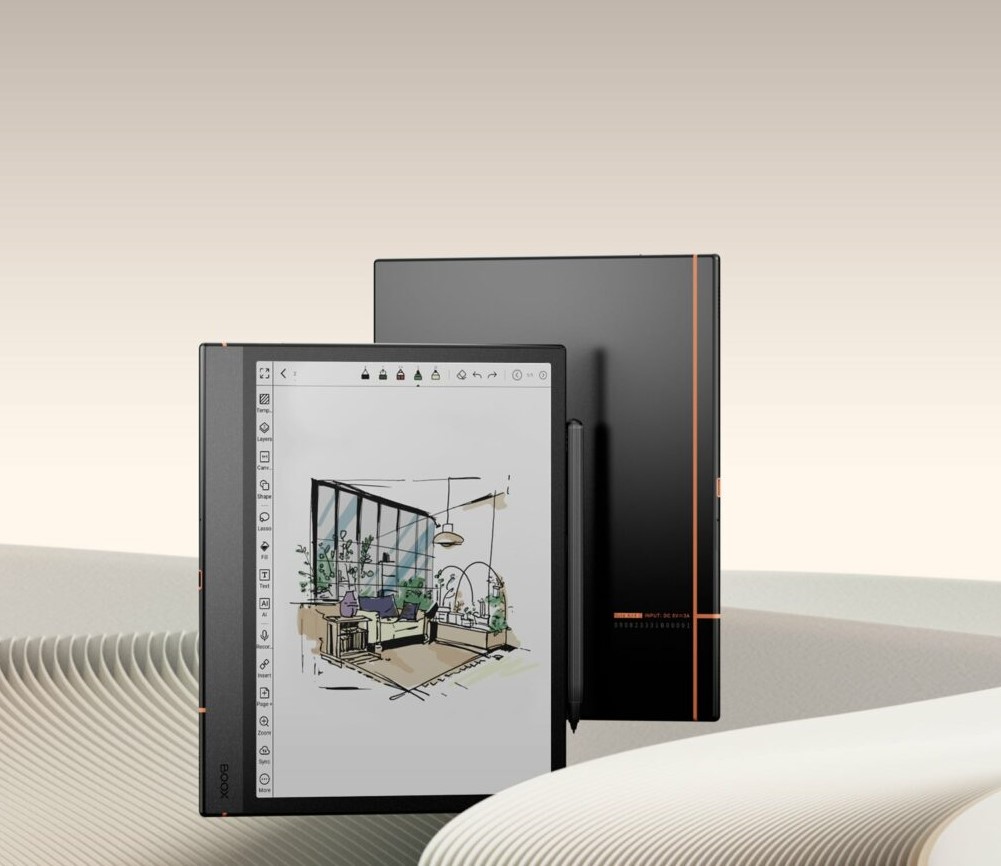
A Canvas for Your Creative Brilliance
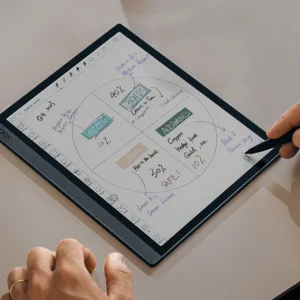
Unleash your imagination with Note Air4 C’s natural paper-like writing feel and robust note-taking tools:
• Capture Inspiration Instantly: Wide selection of templates, brushes, layers, and AI-powered Smart Scribe tools
• Refine with Precision: Advanced art tools including the new Shape tool and flexible Lasso tool for detailed editing
• Stay Organized: Systematic organization with folders, tags, and the new Outline feature for clear structure
Professional Stylus Integration
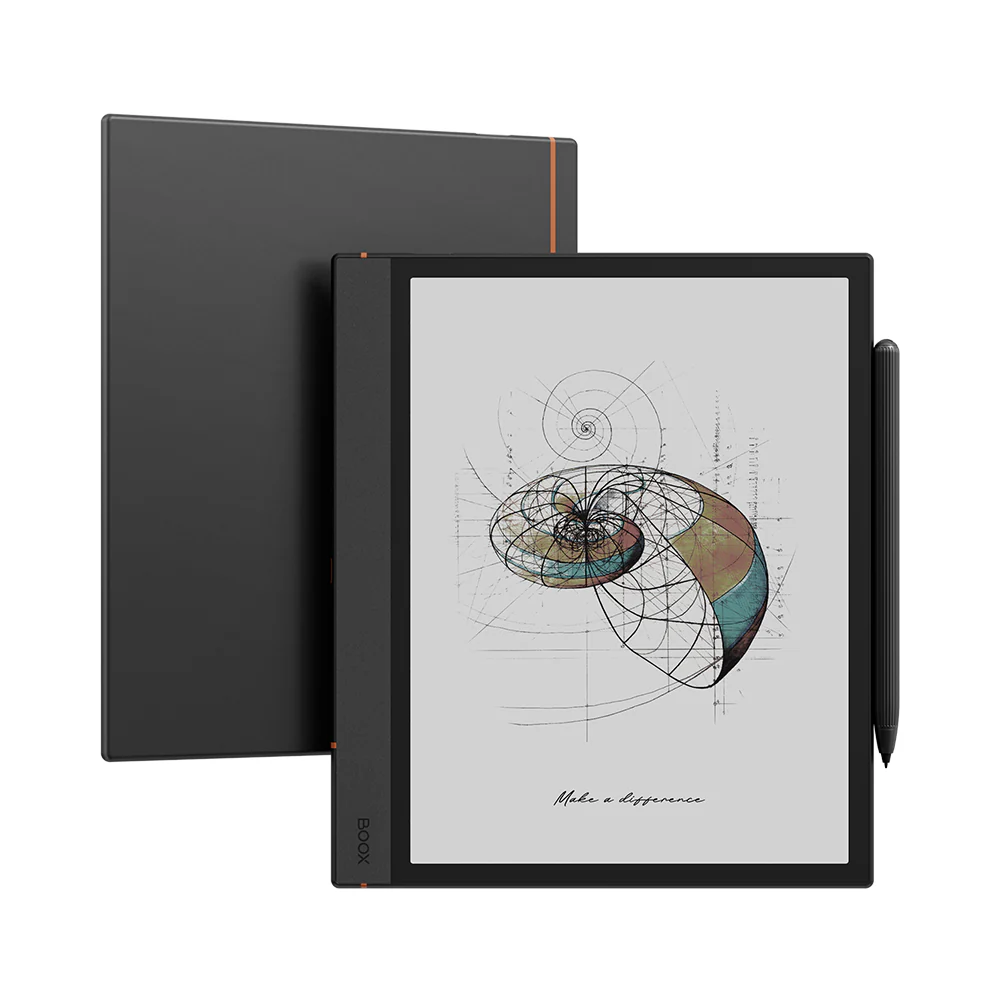
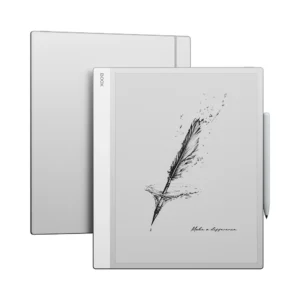
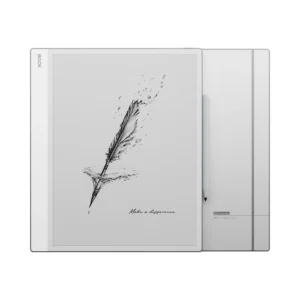
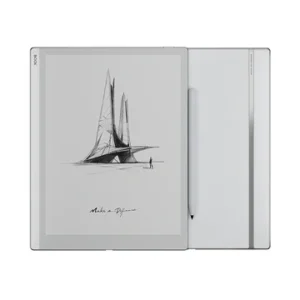
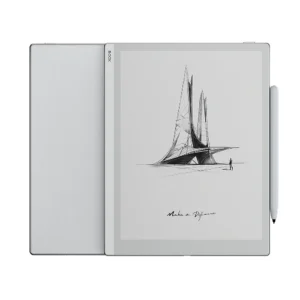
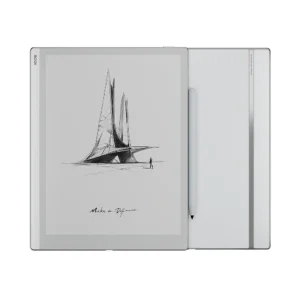
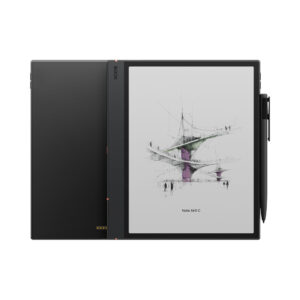
The highly-responsive Pen Plus enables smooth, accurate writing with 4,096 levels of pressure sensitivity. Attach it magnetically to the side of the tablet for easy carrying and instant access to your creative tools.
Seamless Connectivity & Collaboration
Sync, Share, and Connect
• BOOXDrop Integration: Transfer files between your BOOX tablet, computer, and phone effortlessly
• Cloud Synchronization: Sync notes and annotations to Google Drive, Dropbox, OneDrive, or Onyx cloud
• Screen Mirroring: Present ideas live to PC or TV for brainstorming sessions and presentations
• Real-time Collaboration: Connect through email, messaging apps, and collaboration tools
Intuitive Tablet-Like Interface
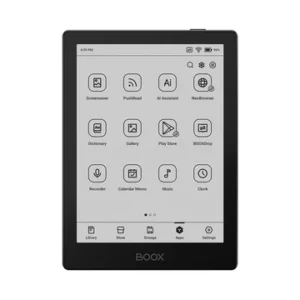
First-Ever Tablet UI in Note Series
Navigate with ease using the intuitive tablet-like user interface featuring:
• Personalized home screen with custom widgets
• One-tap icon organization and app dock
• Smart Assistant page for quick access to essential tools
• Streamlined workflow for maximum productivity
Premium Design & Build Quality
Classic Style, Timeless Elegance
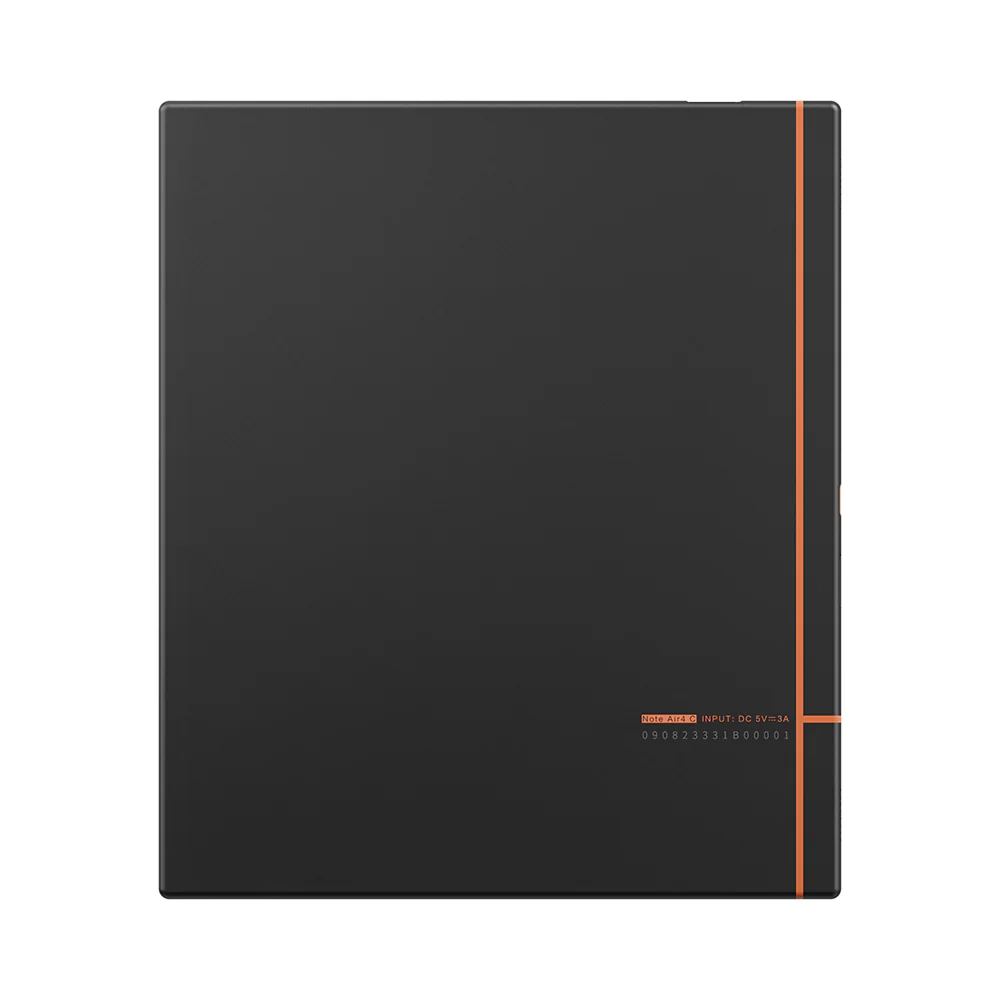
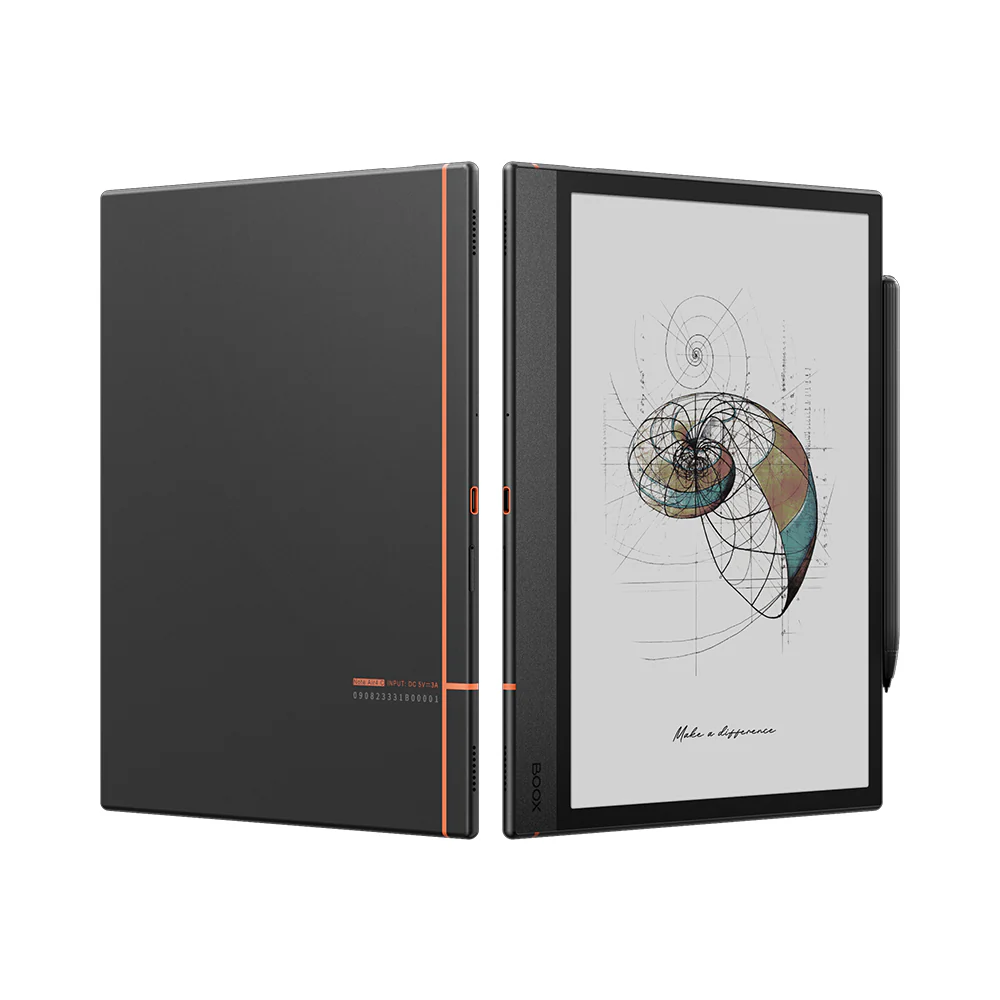
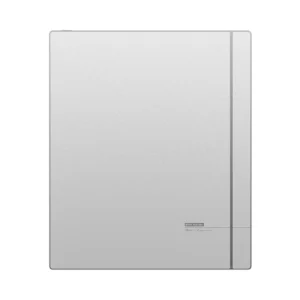
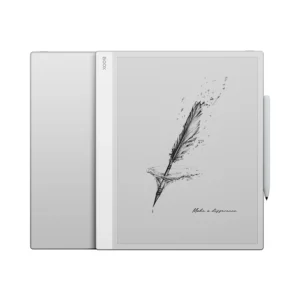
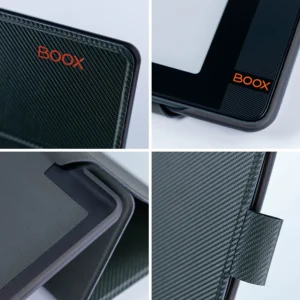
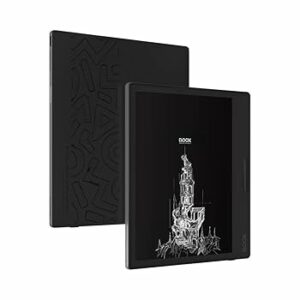
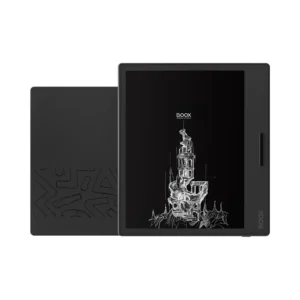
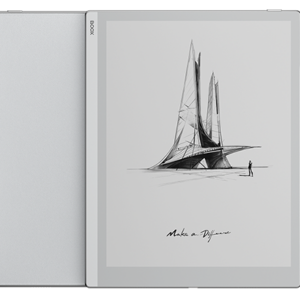
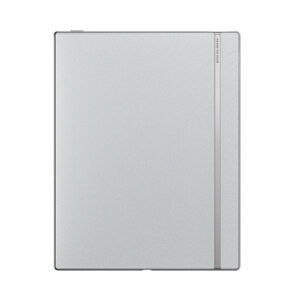
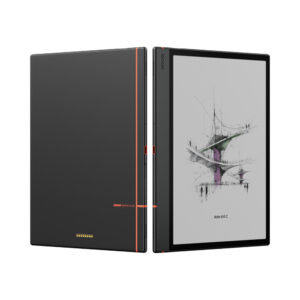
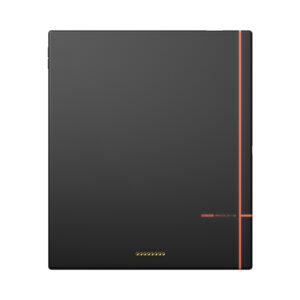
The Note Air4 C retains the classic linear design with signature notebook strip, elegantly crafted in:
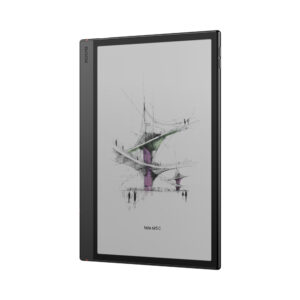
• Ultra-Slim Profile: Just 5.8mm thick
• Lightweight: Only 420g (14.8 oz)
• Ergonomic Design: Wide bezel for comfortable grip
• Premium Materials: Durable aluminum-magnesium alloy construction
Complete Connectivity & Features
Comprehensive Specifications
• Display: 10.3″ Kaleido 3 with flat cover-lens and anti-glare coating
• Memory: 6GB RAM + 64GB ROM with microSD expansion
• Connectivity: Wi-Fi + Bluetooth 5.1
• Audio: Built-in dual speakers and microphone
• Security: Fingerprint recognition power button
• Battery: 3,700mAh Li-ion Polymer for extended use
• Ports: USB-C with OTG support (doubles as audio jack)
Advanced Features
• Front light with Color Temperature Management (warm and cold)
• G-sensor for auto rotation
• Full Android 13 compatibility for third-party apps
• Eye-soothing technology to reduce digital eye strain
Extensive Format Support
Compatible with 26 digital formats including:
• Documents: PDF, CAJ, DJVU, CBR, CBZ, EPUB, EPUB3, AZW3, MOBI, TXT, DOC, DOCX, FB2, CHM, RTF, HTML, ZIP, PRC, PPT, PPTX
• Images: PNG, JPG, BMP, TIFF
• Audio: WAV, MP3
Complete Package Includes
• BOOX Note Air4 C tablet
• BOOX Pen Plus stylus
• USB-C cable
• Card tray eject tool
• Quick start guide
• Warranty card
Why Choose Note Air4 C?
Perfect for Professionals Who Need:
• Color-enhanced productivity for complex data analysis
• Professional-grade note-taking with natural writing feel
• Seamless integration with existing workflows
• Eye-comfortable extended use
• Premium build quality and elegant design
Ideal for Creators Who Want:
• Advanced digital art and sketching capabilities
• Intuitive organization and workflow tools
• Real-time collaboration and sharing features
• Portable canvas for inspiration on the go
Experience the Future of Digital Creativity
Think boldly, create boundlessly. The BOOX Note Air4 C transforms your ideas into reality with the perfect blend of cutting-edge technology, professional tools, and elegant design.
Stay ready for every inspired moment with the color ePaper notebook that adapts to your creative vision.
FAQs
What makes the BOOX Note Air4 C different from other ePaper tablets?
The BOOX Note Air4 C stands out with its Kaleido 3 color ePaper display, offering 4,096 colors for enhanced visual content like charts and illustrations. Combined with BOOX Super Refresh (BSR) technology, it delivers smoother performance and reduced ghosting. It’s ideal for users who need both color and productivity in one device.
Is the BOOX Note Air4 C good for note-taking and digital writing?
Yes, it provides a natural paper-like writing experience with the included Pen Plus stylus featuring 4,096 pressure levels. Advanced tools like Smart Scribe, Lasso, and Shape tools make note-taking precise and organized. It’s perfect for professionals, students, and creatives.
Can I install apps like Google Drive, OneDrive, or productivity apps on this device?
Yes, the Note Air4 C runs on Android 13 and supports the Google Play Store. You can install apps like Google Drive, Dropbox, OneDrive, and other productivity tools. This allows seamless workflow integration across devices.
How does the color display perform compared to black and white mode?
The device offers dual resolution: 300 PPI for black-and-white content and 150 PPI for color display. This ensures sharp text for reading and vibrant visuals for diagrams or annotations. It balances clarity and color performance effectively.
Does the BOOX Note Air4 C support cloud syncing and file sharing?
Yes, it supports cloud synchronization with platforms like Google Drive, Dropbox, OneDrive, and Onyx Cloud. You can also use BOOXDrop for wireless file transfers. This makes it easy to access and manage files across devices.
Is the BOOX Note Air4 C suitable for reading PDFs and large documents?
Absolutely, the 10.3″ display provides ample space for reading PDFs, reports, and documents comfortably. The anti-glare screen and eye-friendly technology reduce strain during long sessions. It’s ideal for professional and academic use.
How powerful is the BOOX Note Air4 C for multitasking?
The device features an octa-core processor, 6GB RAM, and BSR technology for smooth performance. It can handle multitasking, large files, and multiple apps efficiently. This makes it suitable for demanding workflows.
Does the device include a front light for reading in low light conditions?
Yes, it comes with an adjustable front light with warm and cool color temperature settings. This allows comfortable reading in both bright and low-light environments. It enhances usability at any time of day.
Can I use the BOOX Note Air4 C for presentations or screen sharing?
Yes, it supports screen mirroring to PCs or TVs, making it ideal for presentations and collaborative work. You can share notes, ideas, and documents in real time. This is useful for meetings and teaching.
Is the BOOX Note Air4 C portable and easy to carry?
Yes, it is ultra-slim at 5.8mm thick and weighs only 420g, making it lightweight and portable. The ergonomic design ensures a comfortable grip for long sessions. It’s easy to carry for work, study, or travel.
 No products in the cart.
Reviews
There are no reviews yet.