
BOOX Go 10.3 – Ultra-Thin Monochrome ePaper Notepad for Creative Minds
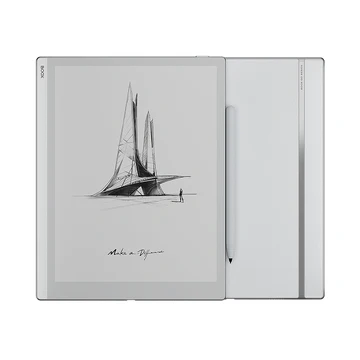
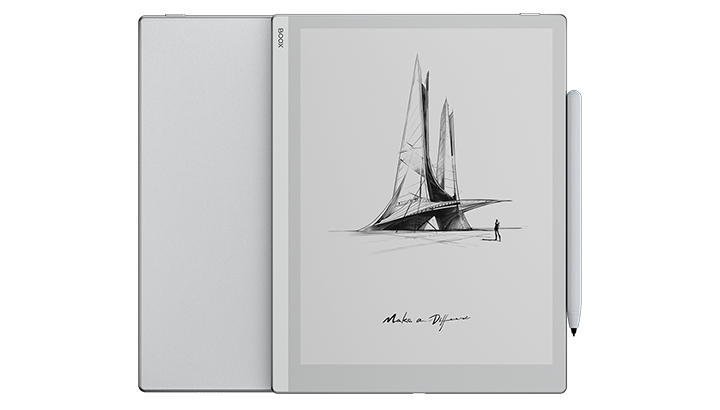
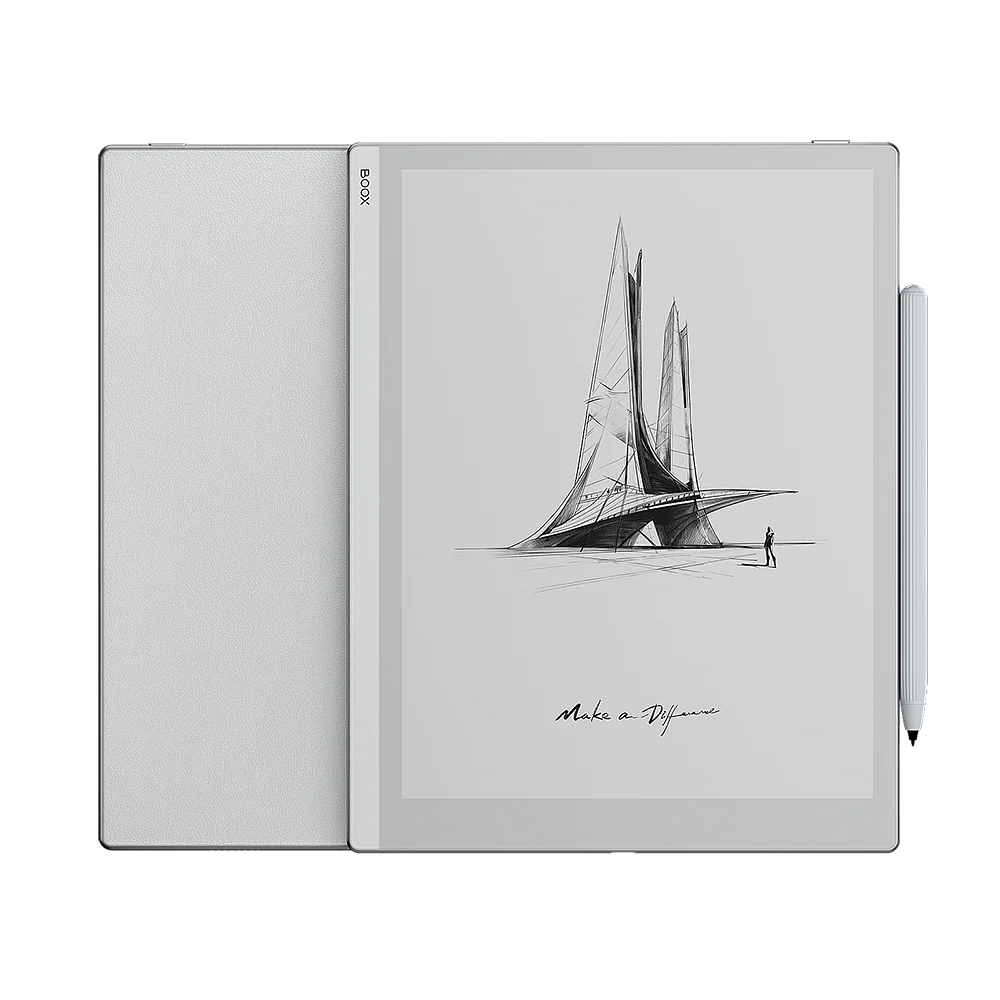
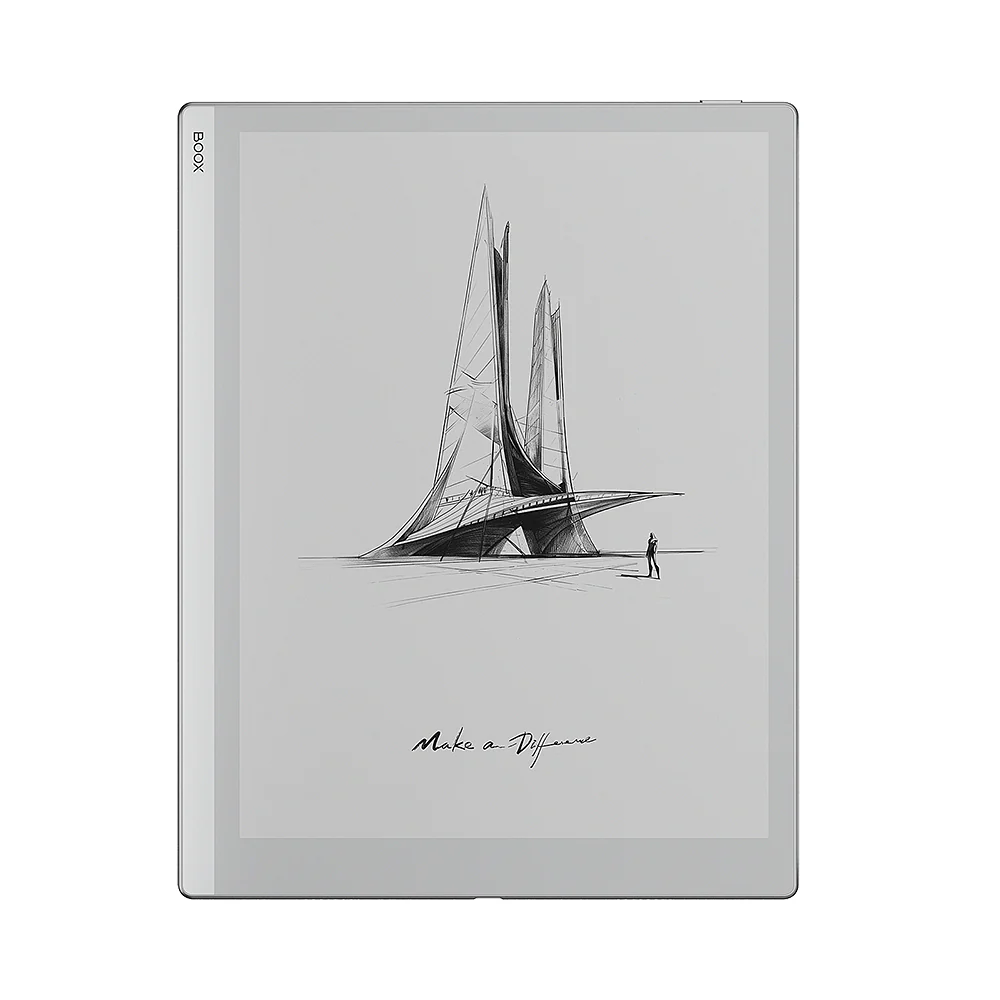
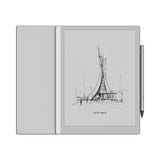
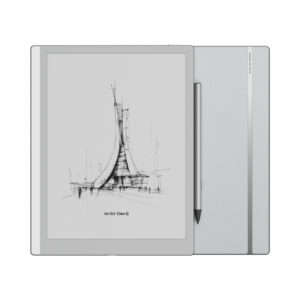
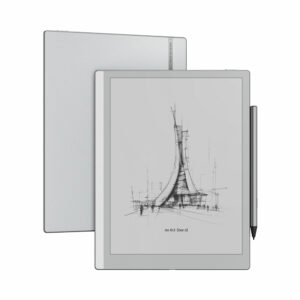
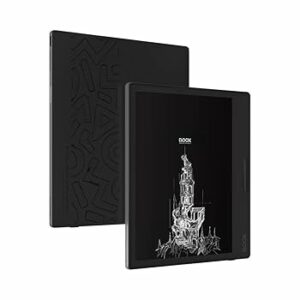
The BOOX Go 10.3 is a revolutionary 4.6mm ultra-thin ePaper notepad that embodies the perfect blend of minimalism, functionality, and advanced technology. Designed for creative minds and professionals on the go, this lightweight 375g device delivers an authentic paper-like experience with powerful digital capabilities.
Key Features
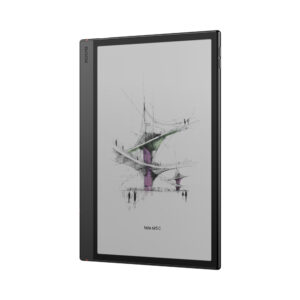
• Ultra-Thin Design: Revolutionary 4.6mm thickness – the thinnest 10.3″ ePaper device
• Paper-Light Weight: Only 375g for effortless portability
• Breakthrough 300 PPI: Crystal-clear HD Carta 1200 display for sharp text
• No Front Light: Optimized for natural sunlight reading without eye strain
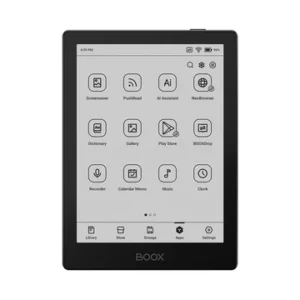
• Android 12 OS: Full Google Play Store access for unlimited app possibilities
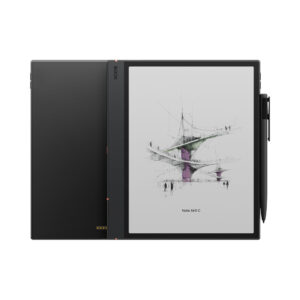
• Included Pen Plus: Pressure-sensitive stylus included for immediate note-taking
• 26 File Formats: Universal compatibility for all digital content
Minimalist Design Philosophy
Inspired by nature and embodying the essence of “living light”:
• Clean Aesthetic: Dominant grayish-white design for distraction-free focus
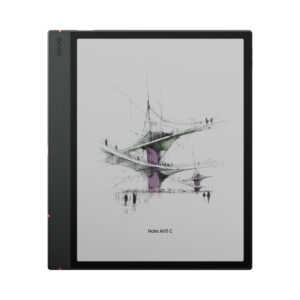
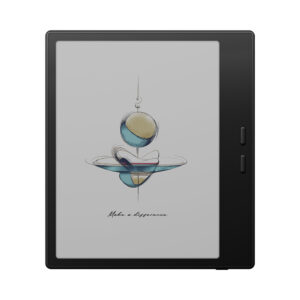
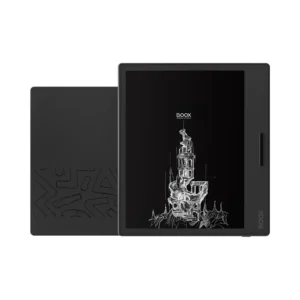
• Button-Free Front: No buttons on the front panel for pure simplicity
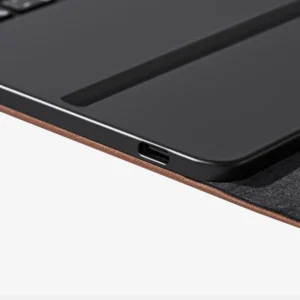
• Aligned Ports: All connections neatly organized around the bezel
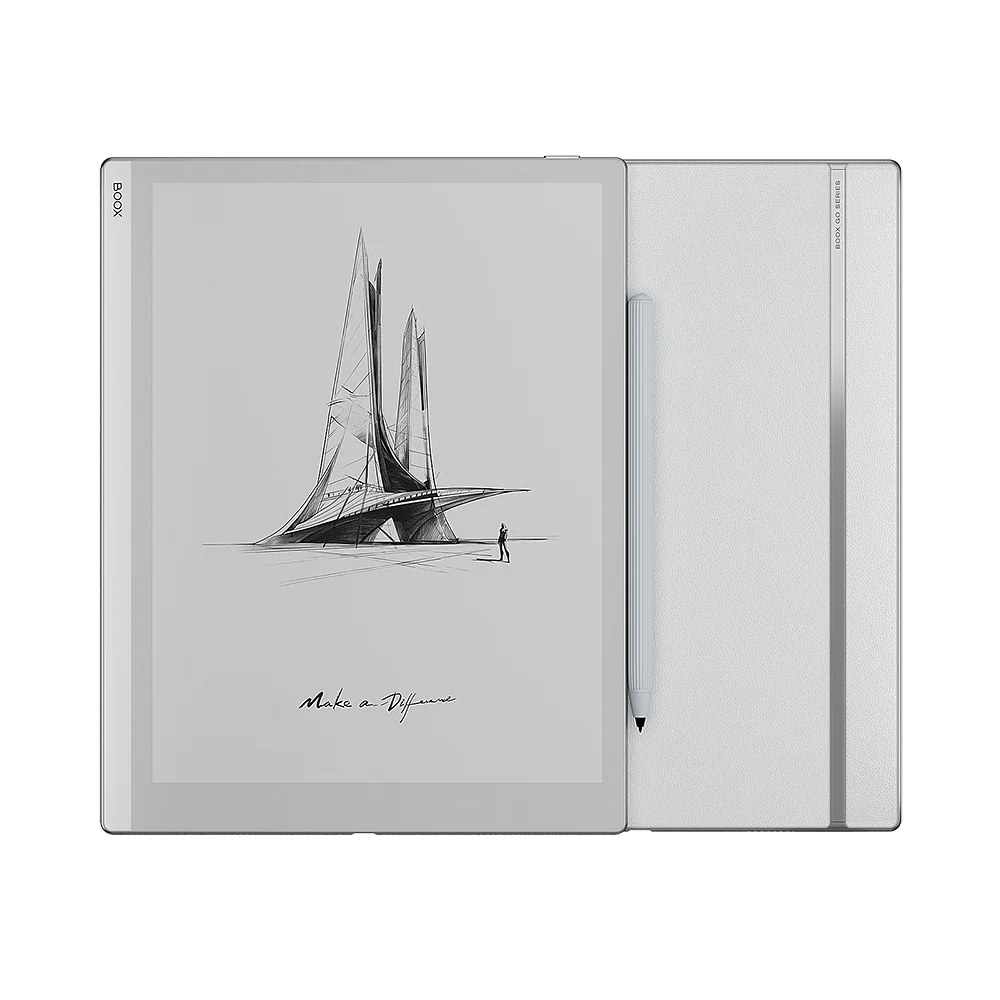
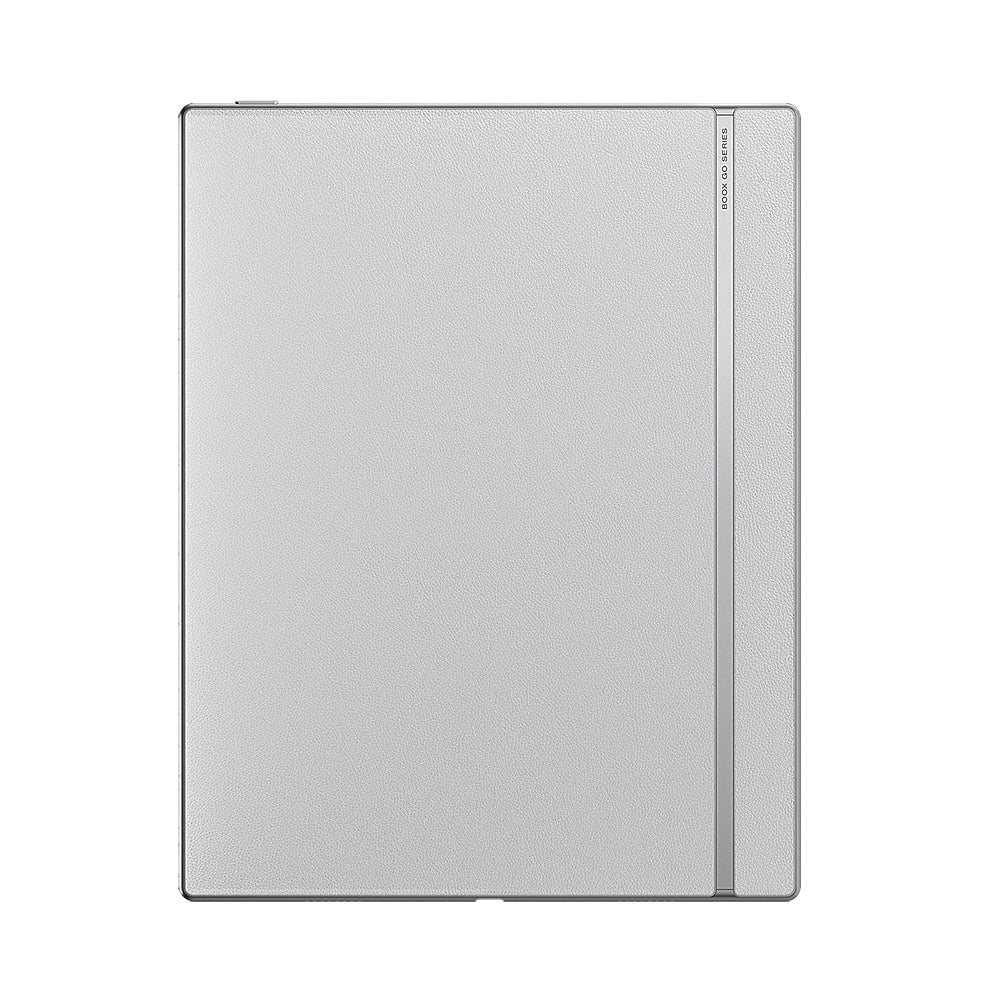
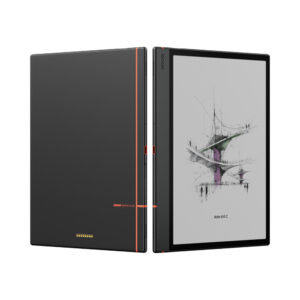
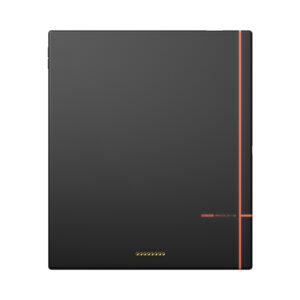
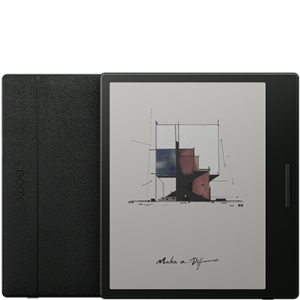
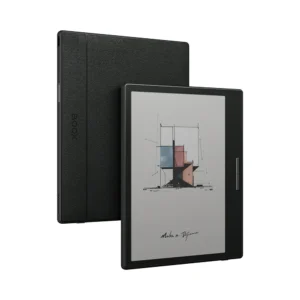
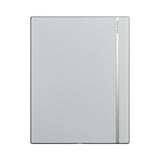
• Paper-Feel Back: Notebook strap pattern on PU leather back for authentic feel
• Streamlined UI: Completely redesigned interface for enhanced focus
Revolutionary Ultra-Thin Construction
Engineering breakthrough achieving unprecedented portability:
• 4.6mm Thickness: Less space, more possibilities for mobile productivity
• 375g Weight: Lighter than most notebooks for effortless travel
• Robust Performance: Full tablet functionality in ultra-thin form factor
• Durable Build: Premium materials ensure long-lasting reliability
• Travel-Friendly: Fits easily in any bag or case
Breakthrough 300 PPI Display
Crystal-clear viewing experience optimized for text and documents:
• HD Carta 1200: Latest E Ink technology for superior contrast
• 300 PPI Resolution: Every word appears sharp and clear
• Monochrome Excellence: Pure black and white for distraction-free reading
• Sunlight Optimized: No front light needed – perfect for outdoor use
• Anti-Glare Surface: Minimizes reflections for clear visibility
Made for Sunlight Reading
First-time no front light design optimized for natural lighting:
• Outdoor Excellence: Perfect clarity in bright sunlight without glare
• Natural Reading: Mimics reading paper in natural light conditions
• No Eye Strain: Extended reading without digital eye fatigue
• Battery Efficient: No front light means extended battery life
• Clear Visibility: Enhanced contrast for sharp text in any lighting
Comprehensive Note-Taking Capabilities
Powerful writing tools for professional and creative use:
• Included Pen Plus: Pressure-sensitive stylus ready to use out of the box
• Smart Scribe: Advanced note-taking with shape recognition
• 45+ Templates: Built-in templates for various professional needs
• Custom Templates: Import your own PNG templates
• Document Annotation: Mark up PDFs, EPUBs, and presentations
• Free & Smart Lasso: Select and manipulate content with precision
Android 12 Ecosystem
Full Android experience optimized for ePaper:
• Google Play Store: Access thousands of productivity and reading apps
• Popular Apps: Libby, OneNote, Kindle, and professional tools
• 2.4GHz Octa-Core CPU: Smooth performance for multitasking
• 4GB RAM: Responsive operation with multiple apps
• 64GB Storage: Ample space for documents, books, and apps
Perfect for Professional Use
Ideal for various professional and creative applications:
• Business Meetings: Take notes without laptop distractions
• Academic Research: Annotate papers and create study notes
• Creative Writing: Distraction-free environment for focused writing
• Field Work: Outdoor visibility for surveys and inspections
• Presentations: View and annotate slides during meetings
• Journaling: Personal reflection and daily planning
Universal File Compatibility
Read and annotate virtually any document format:
• Document Formats: PDF, DOC, DOCX, PPT, PPTX, TXT, RTF, HTML
• eBook Formats: EPUB, EPUB3, AZW3, MOBI, FB2, CHM
• Archive Formats: CBR, CBZ, ZIP, CAJ, DJVU, PRC
• Image Formats: PNG, JPG, BMP, TIFF
• Audio Formats: WAV, MP3 for audiobooks and music
Enhanced Reading Experience
Features designed for immersive reading:
• Auto-Rotation: Seamless orientation changes with G-sensor
• Dark Mode: Customizable NeoReader display for focused reading
• Font Options: Adjustable typography for comfortable reading
• Page Navigation: Smooth scrolling and page turning
• Bookmark System: Easy navigation through long documents
Connectivity & Audio
Complete connectivity for modern workflows:
• Wi-Fi Support: 2.4GHz + 5GHz for fast downloads
• Bluetooth 5.0: Connect wireless headphones and accessories
• USB-C Port: Charging, data transfer, and audio output
• Built-in Speakers: Dual speakers for audiobooks and media
• Microphone: Voice recording and app compatibility
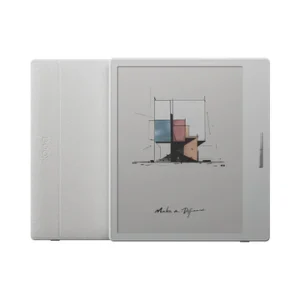
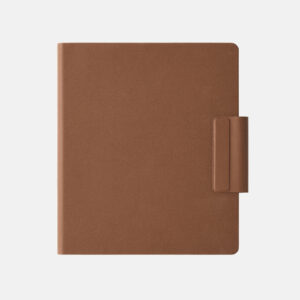
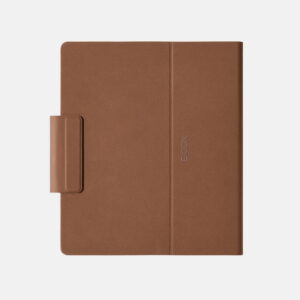
Magnetic Case System
Designed with the perfect travel companion:
• Strong Magnets: Secure attachment for outdoor use
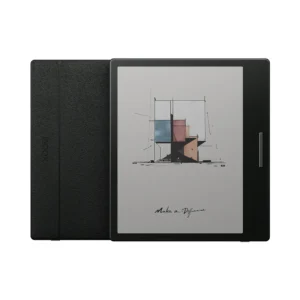
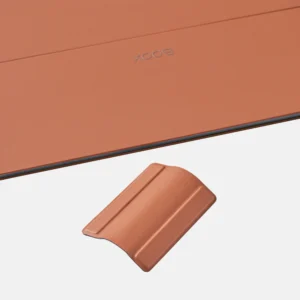
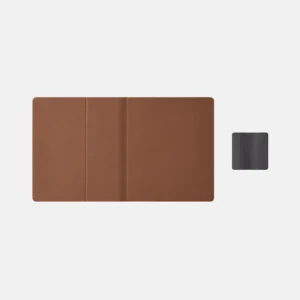
• Detachable Flap: Removable for lighter travel configuration
• Protective Design: Full protection during transport
• Stand Function: Multiple viewing angles for reading and writing
• Easy Access: Quick device removal when needed
Long-Lasting Performance
Built for extended use and reliability:
• 3,700mAh Battery: Extended usage without frequent charging
• Power Efficiency: E Ink technology maximizes battery life
• Standby Mode: Minimal power consumption when not in use
• Fast Charging: USB-C for quick power restoration
• Long Lifespan: Durable construction for years of use
Technical Specifications
• Screen: 10.3″ HD Carta 1200 glass with flat cover-lens
• Resolution: 2480 x 1860 (300 PPI)
• Touch: BOOX stylus (4,096 pressure levels) + capacitive touch
• CPU: 2.4GHz Octa-core processor
• RAM: 4GB
• Storage: 64GB internal
• OS: Android 12
• Connectivity: Wi-Fi (2.4GHz + 5GHz) + Bluetooth 5.0
• Sensors: G-sensor for auto-rotation
• Battery: 3,700mAh Li-ion Polymer
• Dimensions: 235 x 183 x 4.6mm (9.3″ x 7.2″ x 0.18″)
• Weight: Approximately 375g (13.2oz)
What’s Included
• BOOX Go 10.3 Device
• BOOX Pen Plus Stylus
• USB-C Cable
• Quick Start Guide
• Warranty Sheet
• Free 10GB BOOX cloud storage
Available Accessories
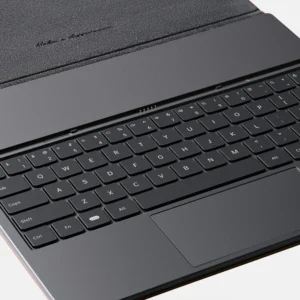
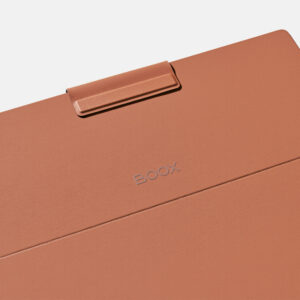
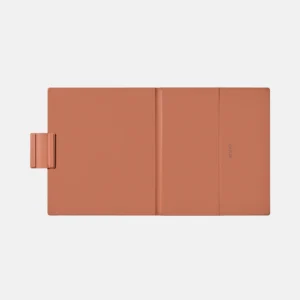
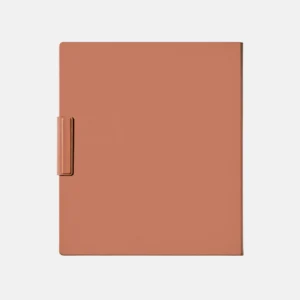
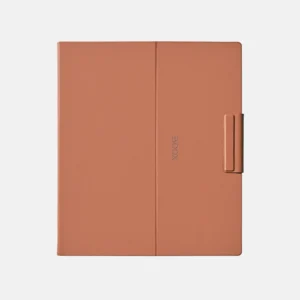
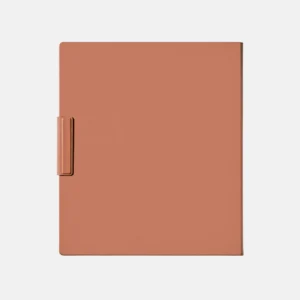
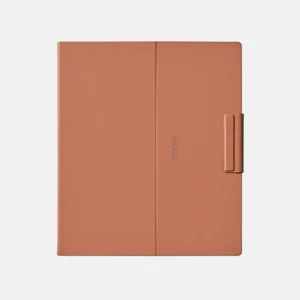
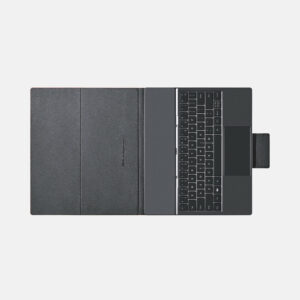
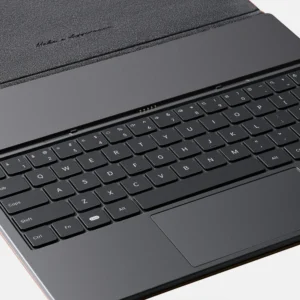
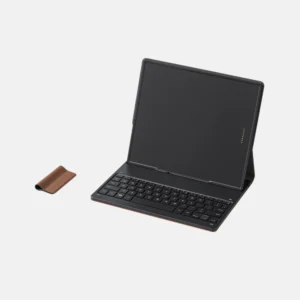
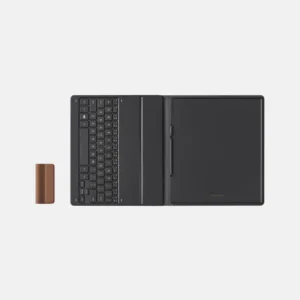
• Magnetic protective case with detachable flap
• Additional stylus tips and replacement pens
• Screen protectors and cleaning supplies
• Carrying sleeves and travel cases
Why Choose BOOX Go 10.3?
This isn’t just an ePaper tablet—it’s a productivity revolution that proves you don’t need to sacrifice functionality for portability. At just 4.6mm thick and 375g, it delivers the full power of a 10.3″ digital notepad while feeling as natural as carrying a paper notebook.
Experience the future of portable productivity with the BOOX Go 10.3—where ultra-thin design meets powerful functionality for the ultimate mobile writing experience.
FAQs
What is the BOOX Go 10.3 best used for?
The BOOX Go 10.3 is ideal for note-taking, document annotation, and distraction-free writing. Its ultra-thin design and paper-like display make it perfect for professionals, students, and creatives. It’s especially useful for meetings, research, and journaling on the go.
Does the BOOX Go 10.3 support Android apps and Google Play Store?
Yes, the device runs on Android 12 and supports the Google Play Store. You can install apps like Kindle, OneNote, and productivity tools. This makes it a flexible alternative to traditional notebooks and tablets.
Is the BOOX Go 10.3 comfortable for long reading or writing sessions?
Absolutely, the 300 PPI E Ink Carta 1200 display provides a paper-like experience without eye strain. Since it has no front light, it’s optimized for natural sunlight reading. This makes it ideal for extended use indoors and outdoors.
Does the BOOX Go 10.3 come with a stylus for note-taking?
Yes, it includes the BOOX Pen Plus stylus with pressure sensitivity for natural writing. You can take notes, sketch, and annotate documents instantly. It’s ready to use right out of the box.
How portable is the BOOX Go 10.3 compared to other tablets?
The device is extremely portable at just 4.6mm thick and 375g in weight. It’s lighter than many notebooks and easy to carry anywhere. This makes it ideal for travel, commuting, and mobile work.
What file formats does the BOOX Go 10.3 support?
It supports over 26 formats including PDF, DOCX, EPUB, MOBI, and more. This allows you to read and annotate various document types without conversion. It’s suitable for both professional and personal use.
Can I use the BOOX Go 10.3 for professional work and multitasking?
Yes, with a 2.4GHz octa-core processor, 4GB RAM, and 64GB storage, it handles multitasking efficiently. You can run multiple apps, annotate documents, and take notes simultaneously. It’s designed for productivity-focused workflows.
Does the BOOX Go 10.3 support cloud syncing and connectivity?
Yes, it supports Wi-Fi, Bluetooth, and cloud services for syncing files and notes. You can transfer data easily and access your documents across devices. USB-C also allows fast data transfer and charging.
How long does the BOOX Go 10.3 battery last?
The 3,700mAh battery offers long-lasting performance thanks to energy-efficient E Ink technology. It can last for days or even weeks depending on usage. This makes it ideal for uninterrupted productivity.
What makes the BOOX Go 10.3 different from other ePaper tablets?
Its ultra-thin 4.6mm design, no front light for natural reading, and powerful Android ecosystem set it apart. It combines portability with advanced note-taking features. This makes it a unique and professional-grade digital notepad.


 No products in the cart.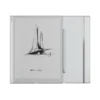
Reviews
There are no reviews yet.