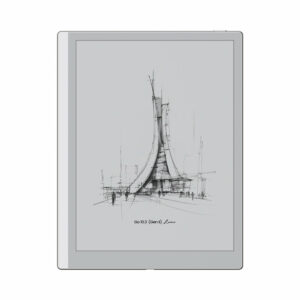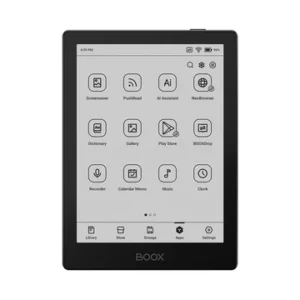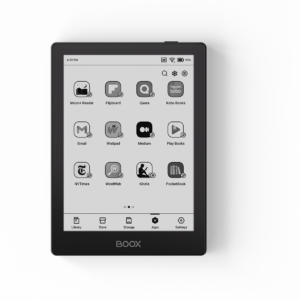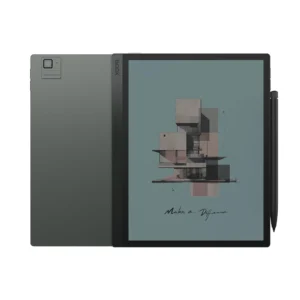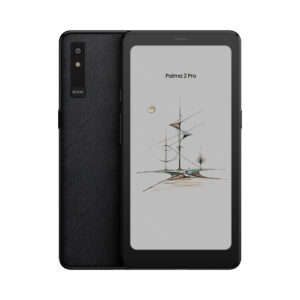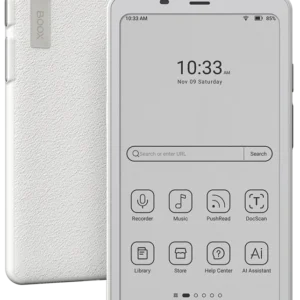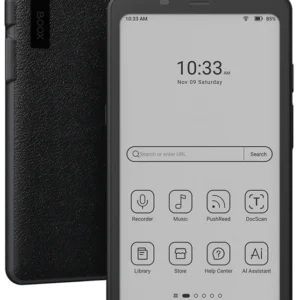
BOOX Go Color 7 (Gen II) — 7″ Colour ePaper Tablet with Stylus Support
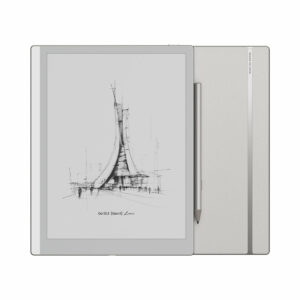
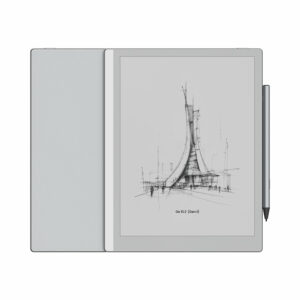
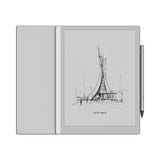
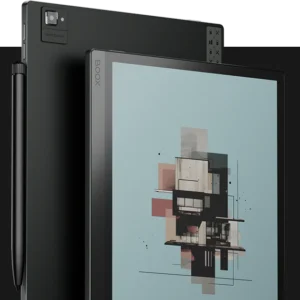
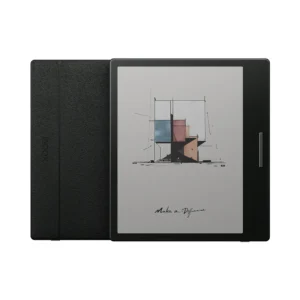
The original Go Color 7 was a great colour reader with one obvious gap: no way to write on it. If you wanted to annotate a comic panel, highlight a diagram in a textbook, or take a quick note next to a passage, you couldn’t. Gen II fixes that with BOOX InkSense stylus support turning the device from “reader with apps” into “small colour tablet you can also read on.”
Three things are new in Gen II. Everything else — the display, the body, the front light, the weight is identical to Gen 1.
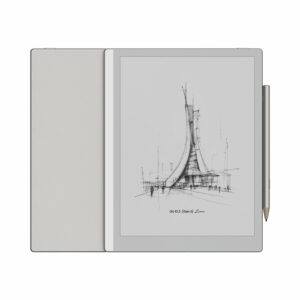
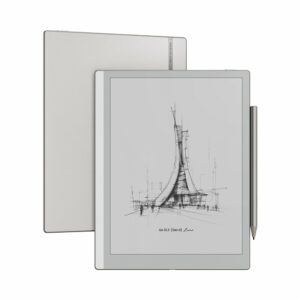
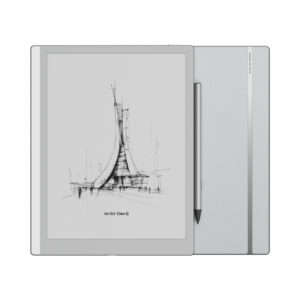
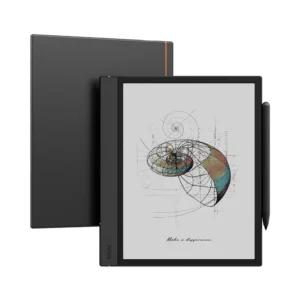
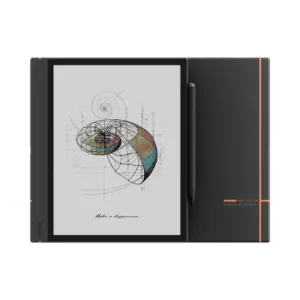
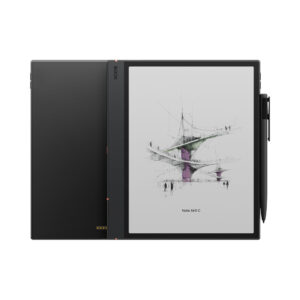
1. InkSense stylus support The Gen II can pair with the BOOX InkSense Active Stylus for handwriting, annotation, and sketching. This is the transformational change. It’s a capacitive active stylus (not EMR like the Go 10.3’s Pen Plus), so writing feel is slightly different more responsive on menu taps, a touch less accurate for fine strokes at speed. But for annotation, marginal notes, and casual sketching, it works cleanly. The stylus is sold separately, not included in the box.
2. Android 13 (upgraded from Android 12) A newer OS with longer support runway from BOOX and Google. Practical benefits: better background app management, improved battery reporting, some Play Store apps that require Android 13+ will work here where they wouldn’t on Gen 1.
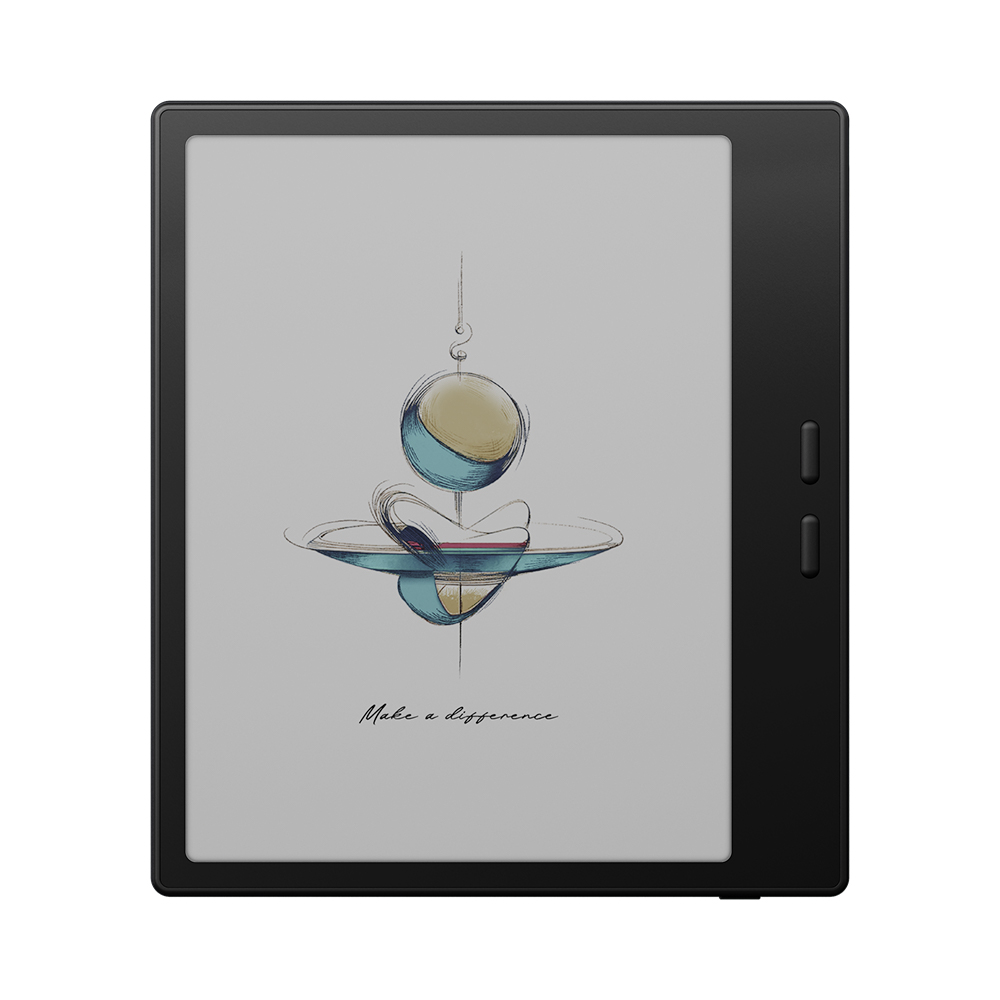
3. Redesigned page-turn buttons The Gen 1’s page-turn buttons were close together, easy to press accidentally when holding the device. Gen II separates them, giving cleaner one-handed control and fewer misfires.
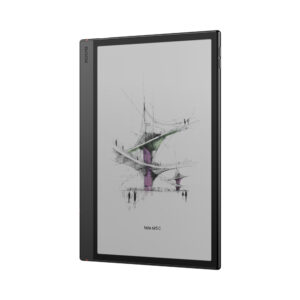
Everything else stays the same the 195 g weight, 6.4 mm thickness, 7″ Kaleido 3 display, ComfortGaze front light, 64 GB + microSD storage, dual speakers and microphone, Wi-Fi 2.4/5 GHz, and 2,300 mAh battery.
Writing on a colour ePaper display what to expect
The InkSense turns the Go Color 7 (Gen II) into a genuinely useful annotation device. Some honest notes on what this looks like in practice:
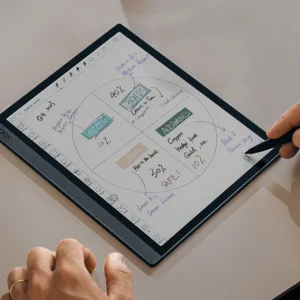
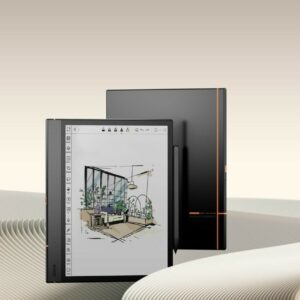
- Highlighting and margin notes work well. Making a coloured highlight on a comic panel, adding a handwritten comment next to a passage, circling something on a diagram all clean, all colour, all preserved when you close and reopen the file.
- Full-page note-taking works, but the canvas is small. 7″ is enough for a shopping list, meeting notes, or a journal entry. It’s not enough for extensive diagramming or detailed sketches for those, the Go 10.3 gives you 60% more writing surface.
- Capacitive active vs EMR stylus. The InkSense uses capacitive active technology (needs its own battery, charges via USB-C). Compared to EMR pens like the Go 10.3’s Pen Plus, it’s slightly less accurate on diagonal strokes at speed and has a very small perceptible latency. For most annotation and casual note-taking, this is a non-issue. For serious drawing or fast handwriting, the Go 10.3 with Pen Plus is a better choice.
- Colour writing on Kaleido 3. You can pick pen colour from a palette, and the strokes appear in colour on screen. Colours are muted (as expected on Kaleido displays), so bright highlighter yellow looks more like pastel yellow. Legibility is fine; expect saturation to be softer than on an iPad.
The Kaleido 3 display same as Gen 1, still honest about what it is
The 7″ Kaleido 3 colour ePaper display runs at 300 PPI for black-and-white content and 150 PPI for colour content, with a Carta 1200 base panel underneath. Two things worth knowing:
Colours are mellow, not saturated. Kaleido 3 places a colour filter over a black-and-white e-ink panel, so colours look closer to newspaper comic-section printing than to an OLED display. If you’re expecting vibrant, iPad-level colour, adjust that expectation. If you want colours that look like a well-printed book, this is right.

The screen is slightly darker than pure monochrome. The colour filter reduces overall brightness of white areas. In dim rooms this is more noticeable which is exactly why the front light matters.
The anti-glare surface reduces reflections outdoors, and BOOX’s refresh technology reduces ghosting between page turns.
Dual-tone ComfortGaze front light
The Gen II carries over the adjustable front light with warm and cool colour temperature BOOX calls this ComfortGaze technology. The practical experience:
- Cool white for daytime reading — matches natural daylight, keeps content looking crisp
- Warm amber for evening and night — reduces blue light for easier winding-down before sleep
- Adjustable brightness ranging from very low (dark rooms without disturbing anyone) to bright enough for well-lit indoor conditions
For colour content specifically, the front light matters more than on monochrome readers because Kaleido displays are inherently a bit darker. Set the front light on a low warm tone during evening reading and colours read comfortably rather than dully.
Android 13 with full Google Play Store
The Go Color 7 (Gen II) runs Android 13 with complete Google Play Store access. This is the structural difference between BOOX and closed colour readers like the Kindle Colorsoft:
- Reading apps: Kindle, Kobo, Libby, Google Play Books, Apple Books (web), your local library’s Overdrive
- Comic and manga apps: Chunky, Perfect Viewer, Tachiyomi, ComiXology via Kindle
- Note-taking: OneNote, Notion, Obsidian, Nebo, Google Keep — all sync with your desktop
- Audio: Audible, Spotify, Pocket Casts, YouTube Music
- Productivity: Google Docs, Word, Excel, PDF Expert, Adobe Acrobat
No BOOX-only ecosystem to buy into. Your existing Amazon library, your Kobo purchases, your library card, and your notes all work here alongside BOOX’s native reader.
Storage and file formats
64 GB internal storage (approximately 55 GB usable) is enough for tens of thousands of ebooks, hundreds of manga volumes, or a large mixed library. The microSD slot expands this further useful if you’re storing full-quality manga collections or a large PDF library.
Supported formats:
- Documents: PDF, DOC, DOCX, PPT, PPTX, TXT, RTF, HTML, CHM
- eBooks: EPUB, EPUB3, AZW3, MOBI, FB2, PRC
- Comics and manga: CBR, CBZ
- Academic and archive: CAJ, DJVU, ZIP
- Images: PNG, JPG, BMP, TIFF
- Audio: WAV, MP3
Sync via BOOX Cloud (10 GB free), Google Drive, Dropbox, or any Android cloud app.
Physical specs
- Dimensions: 156 × 137 × 6.4 mm (6.1 × 5.4 × 0.25″)
- Weight: 195 g (6.9 oz) — roughly half the weight of most 7-inch tablets
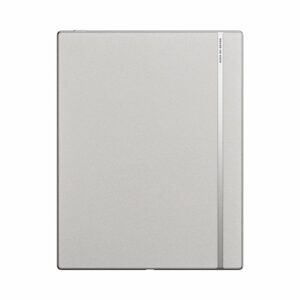
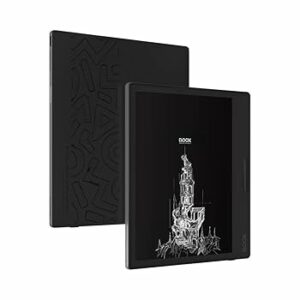
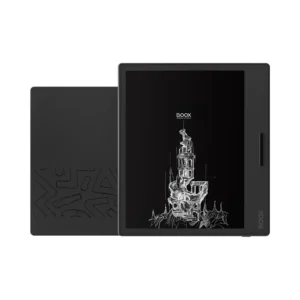
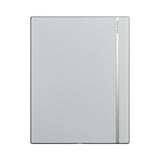
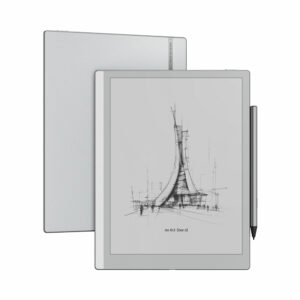
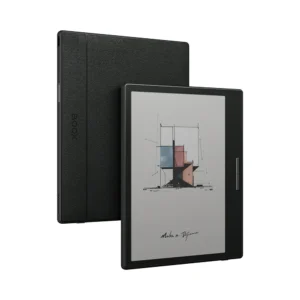
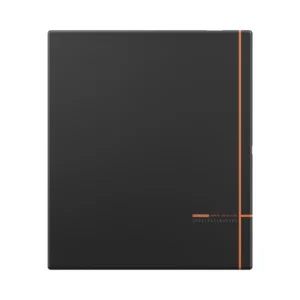
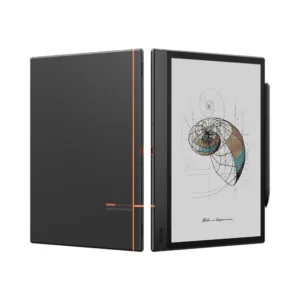
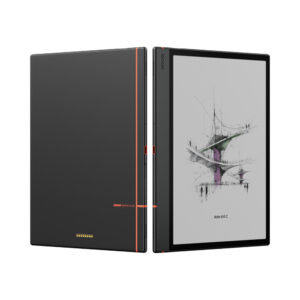
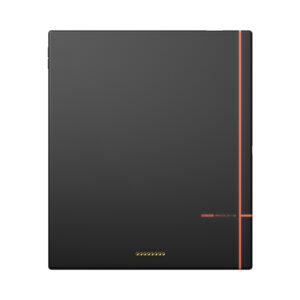
- Body: matte, textured back with anti-fingerprint finish
- Water resistance: water-repellent (splashes and light rain OK), not waterproof
Do not confuse water-repellent with water-proof. Light splashes are fine. Submerging, sustained rain, or reading in the bath is not.
Full technical specifications
| Attribute | Detail |
|---|---|
| Model | BOOX Go Color 7 (Gen II) |
| Display | 7″ Kaleido 3 colour ePaper with Carta 1200 base |
| Resolution | 1680 × 1264 (B/W 300 PPI, colour 150 PPI) |
| Colour capability | 4,096 colours |
| Front light | Yes — ComfortGaze adjustable brightness + warm/cool tone |
| Touch input | Capacitive multi-touch |
| Stylus | BOOX InkSense Active Stylus (sold separately) |
| Processor | Qualcomm octa-core |
| RAM | 4 GB |
| Storage | 64 GB internal + microSD expansion |
| Operating system | Android 13 with Google Play Store |
| Wi-Fi | 2.4 GHz + 5 GHz |
| Bluetooth | 5.1 |
| USB | USB-C (charging, data, audio out) |
| Audio | Built-in speaker + microphone |
| Water resistance | Water-repellent (not waterproof) |
| Battery | 2,300 mAh Li-ion polymer |
| Dimensions | 156 × 137 × 6.4 mm (6.1 × 5.4 × 0.25″) |
| Weight | Approximately 195 g (6.9 oz) |
| Cloud storage | 10 GB BOOX Cloud (free) |
Battery life
The 2,300 mAh battery lasts several days to a week for typical daily reading (1–2 hours per day). Heavier use with the front light on high and Bluetooth active shortens this to around 3–4 days. Light reading use extends it to 2–3 weeks.
Charging via USB-C takes about 2 hours from empty to full.
What’s in the box
- 1 × BOOX Go Color 7 (Gen II) device
- 1 × USB-C charging cable
- Quick Start Guide
- Warranty sheet
Important the InkSense stylus is NOT included. If you want handwriting and annotation, order the BOOX InkSense Active Stylus separately. Many buyers assume it ships in the box; confirm at checkout to avoid disappointment.
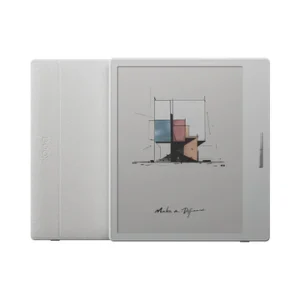
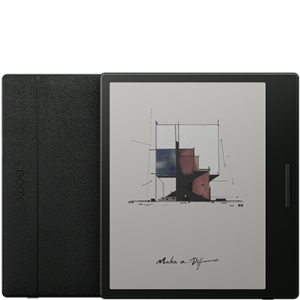
Also sold separately (worth considering with your order): magnetic PU cover with auto sleep/wake, screen protector, carrying case.
Who this device is for
Great fit:
- Manga and comic readers who want to highlight, annotate, or note down thoughts
- Students annotating colour textbooks, academic papers, or lecture PDFs
- Journalers who want a small, colour-capable device with app flexibility
- Anyone who considered the Gen 1 Go Color 7 but wanted stylus input
- Readers who want a Kindle Colorsoft alternative with real Android freedom
- Cookbook users who want to add notes to recipes
Not the right fit:
- Pure text readers with no interest in colour or annotation the monochrome Go 7 costs less and has a sharper screen
- Serious note-takers or artists — the 7″ canvas is small and the capacitive stylus is less precise than the Go 10.3’s EMR pen
- Users expecting LCD-tablet colour saturation
- Users primarily viewing photos — resolution is soft for photographic content
Gen II vs Gen 1 which to buy
- Gen II — buy this if you want stylus support, need Android 13’s longer support runway, or care about the better page-turn button layout
- Gen 1 — buy this if you’re pure reading (no annotation), you don’t need the latest Android, and you can find it cheaper on discount or clearance
Otherwise the two are functionally identical for reading. All the colour and display specs, weight, front light, and connectivity are the same.
Gen II vs Go 10.3
If you’re deciding between the Go Color 7 (Gen II) and the Go 10.3 for note-taking:
- Go Color 7 (Gen II) — 7″ colour screen, capacitive InkSense stylus, best for annotation and light note-taking on colour content. Portable, one-handed reading.
- Go 10.3 — 10.3″ monochrome screen, EMR Pen Plus stylus (better writing accuracy), best for serious note-taking, long-form writing, and PDF annotation on larger pages. Requires two hands.
Different tools for different jobs. Many BOOX users end up owning both Go Color 7 for reading, Go 10.3 for writing


Reviews
There are no reviews yet.