
Go Color 7
The flexible 7” color ePaper reader.
More fun with mellow colors
A portable bookshelf for endless reads
The flexibility to install apps
Comfortable to hold and use
Protect against unwanted spills and splashes
Enjoy Colourful Reading On the Go in NZ
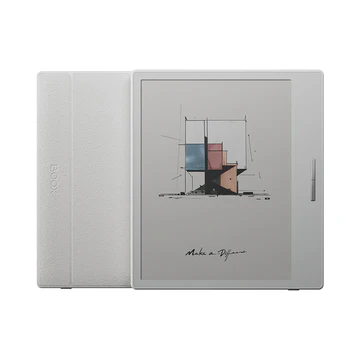
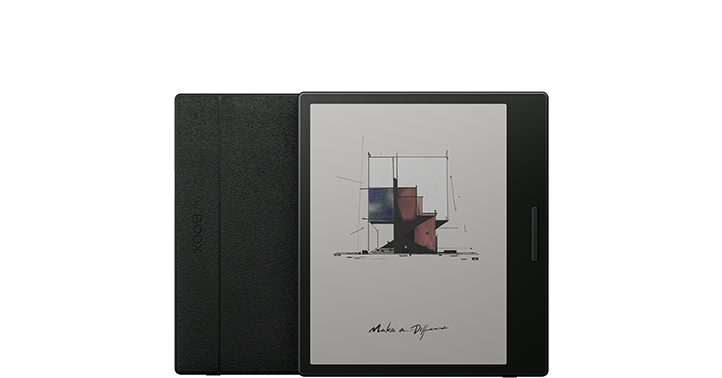
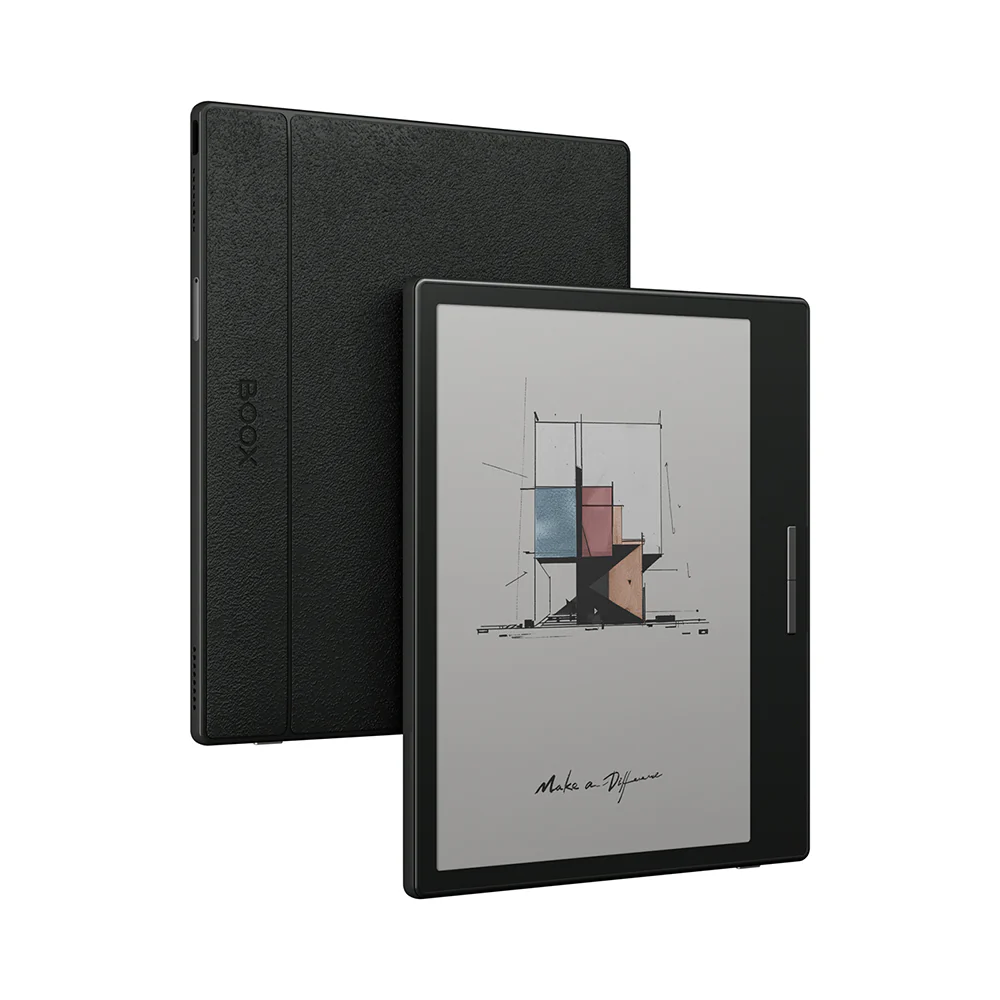
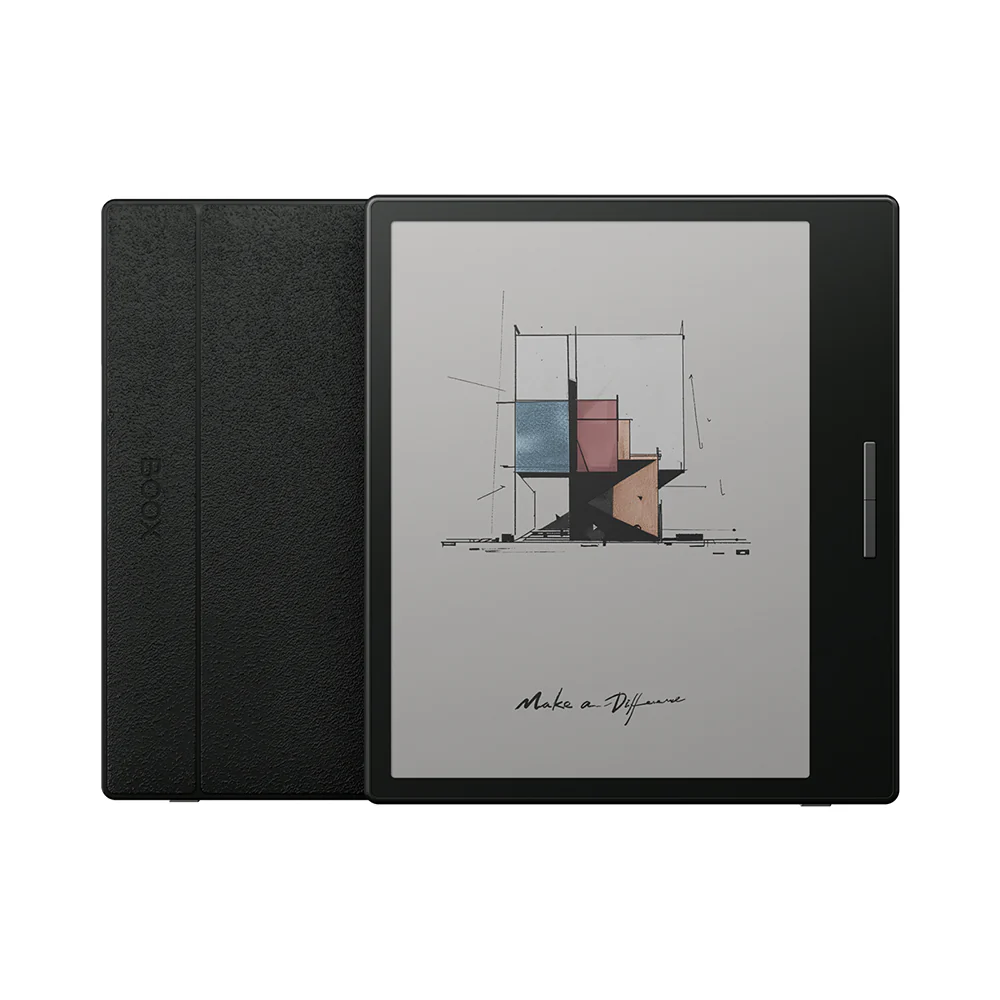
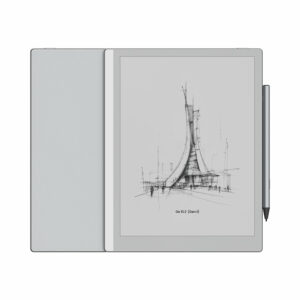
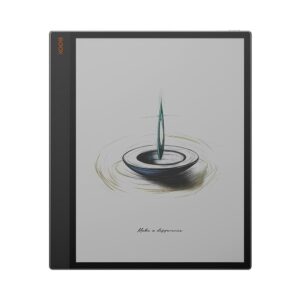
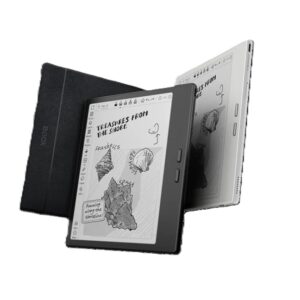
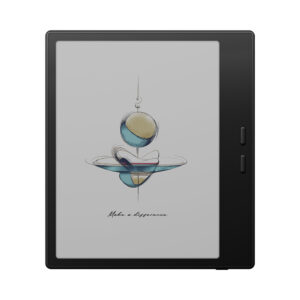
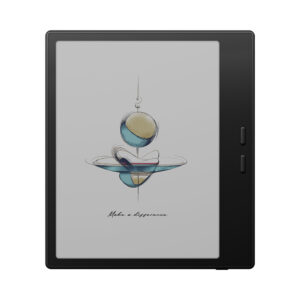
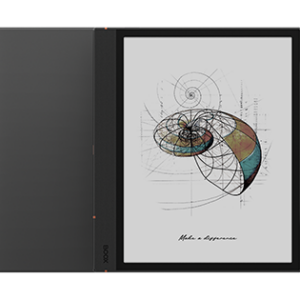
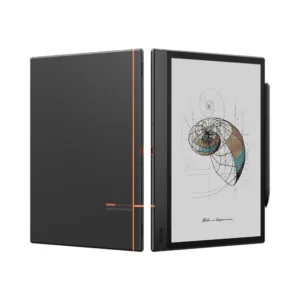
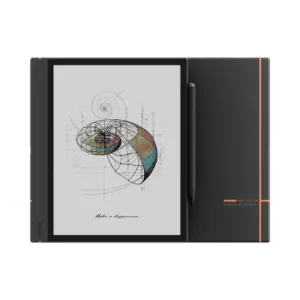
Boox Go Color 7 combines the eye comfort of traditional E Ink with the beauty of vibrant colour reading—perfect for Kiwi readers. Featuring a 7″ Kaleido 3 colour ePaper display, this compact eReader brings books, comics, and illustrations to life in soft, natural hues without eye strain. It’s ideal for reading novels, manga, and children’s books wherever you are in New Zealand.
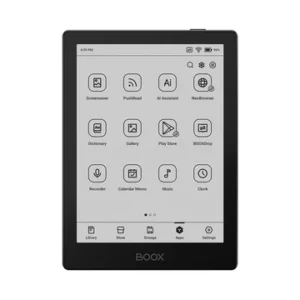
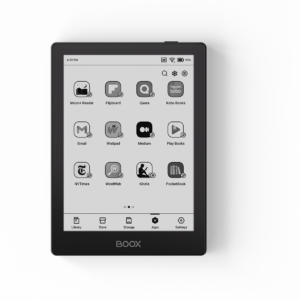
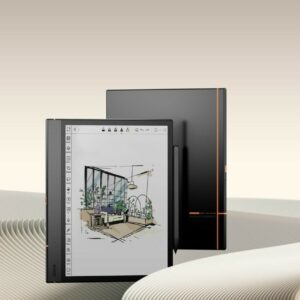
Powered by Android OS and the Google Play Store, the Go Color 7 lets you download apps like Kindle, Libby, Kobo, or Audible. Thanks to built-in text-to-speech, you can even listen to your books hands-free—perfect for commuting or relaxing.
Carry Your Entire Library, Anywhere in NZ
Never run out of reading material with the Boox Go Color 7. It comes with generous built-in storage and an expandable microSD card slot, giving you the freedom to carry your entire digital book collection—from novels to comics and children’s books—wherever you go in New Zealand. Whether you’re at home, on the bus, or travelling, your library is always in your hands.
- Store thousands of ebooks
- Expandable storage for additional space
- Support multiple ebook formats³
Key Features of the Boox Go Color 7 in NZ
The Boox Go Color 7 is built for New Zealand readers who want a vibrant, eye-friendly reading experience in a compact, portable eReader.
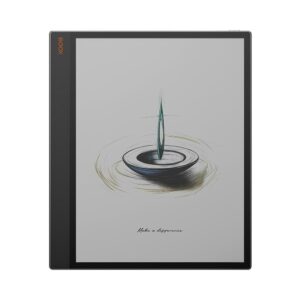
- 📘 7″ Kaleido 3 Colour eInk Display – Enjoy full-colour reading with low glare and reduced eye strain
- 🎛️ Customisable Display Settings – Fine-tune contrast, sharpness, and colour depth via NeoReader
- 🎧 Text-to-Speech Function – Listen to your eBooks hands-free, anytime, anywhere
- 📱 Android OS + Google Play Store – Download Kindle, Kobo, Audible, and more with ease
- 💾 32GB Internal Storage + microSD Expansion – Store thousands of books and comics
- 📂 Multi-Format Support – Read PDF, EPUB, MOBI, CBR, and other popular eBook formats
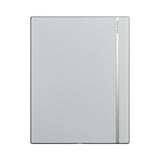
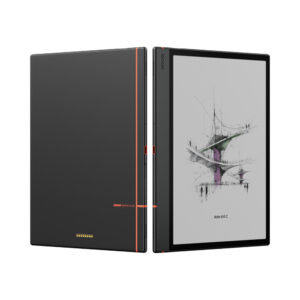
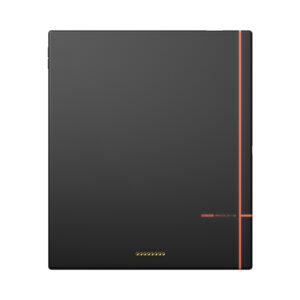
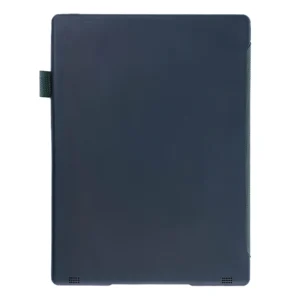
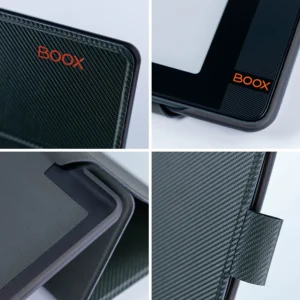
- 🖐️ Premium Anti-Fingerprint Design – Textured backing for a secure, stylish grip
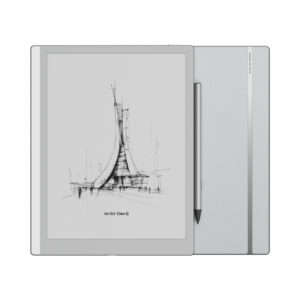
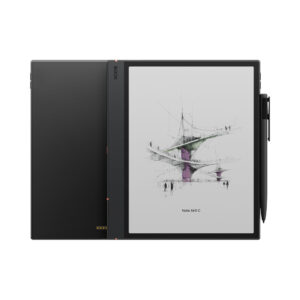
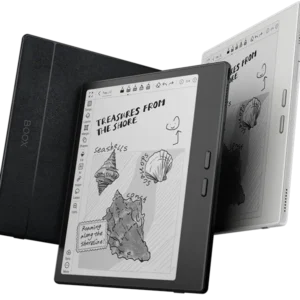
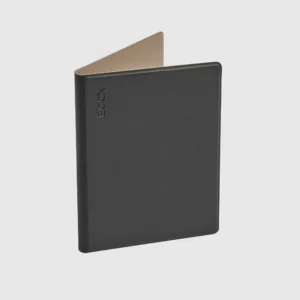
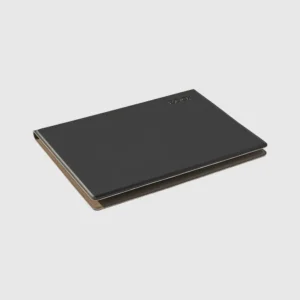
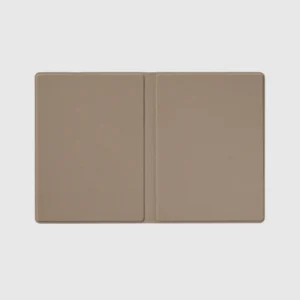
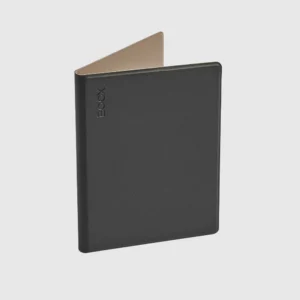
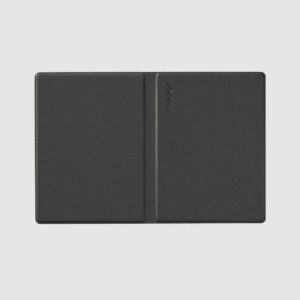
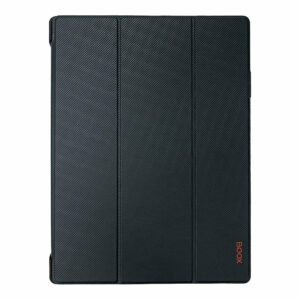
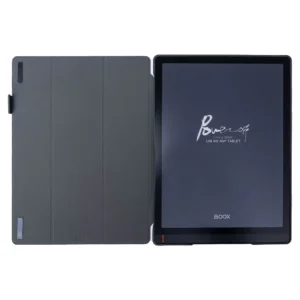
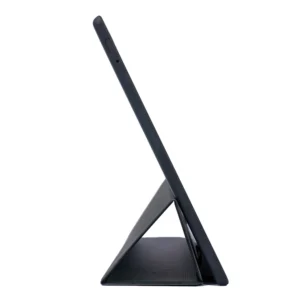
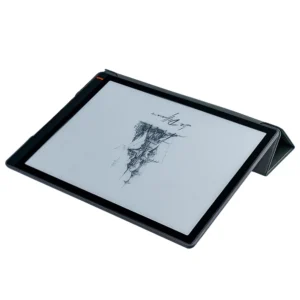
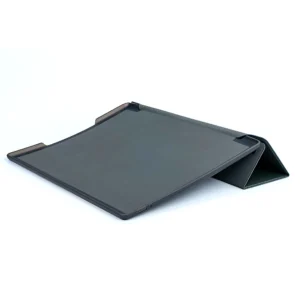
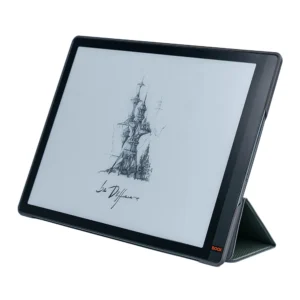
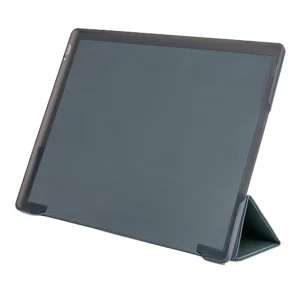
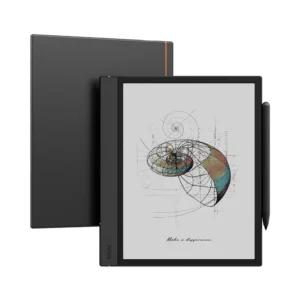
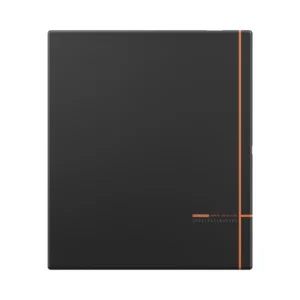
- 📗 Magnetic PU Cover Included – Travel-ready and protective with elegant aesthetics
Crafted with a paperlike texture and sustainable design, the Go Color 7 makes reading—whether indoors or outdoors—more enjoyable, immersive, and mobile.
Battery: 2,300mAh Li-ion Polymer
FAQs
What is the Boox Go Color 7 best used for?
The Boox Go Color 7 is ideal for reading ebooks, comics, manga, and illustrated content with vibrant yet eye-friendly colors. Its compact 7″ design makes it perfect for reading on the go. It’s especially useful for users who want a balance of portability and color display.
Does the Boox Go Color 7 support Android apps and Google Play Store?
Yes, the device runs on Android OS and provides access to the Google Play Store. You can install apps like Kindle, Kobo, Libby, and Audible. This gives you flexibility beyond traditional eReaders.
Is the Boox Go Color 7 comfortable for long reading sessions?
Absolutely, it uses a Kaleido 3 color ePaper display that reduces eye strain compared to backlit screens. The anti-glare screen makes it comfortable to read indoors and outdoors. It’s designed for extended reading without fatigue.
Can I listen to audiobooks on the Boox Go Color 7?
Yes, it supports text-to-speech and audiobook apps like Audible. You can listen to books hands-free while commuting or relaxing. This adds flexibility to your reading experience.
How much storage does the Boox Go Color 7 offer?
The device includes 32GB of internal storage, which can store thousands of ebooks and comics. It also supports microSD cards for additional storage expansion. This allows you to carry a large digital library anywhere.
What file formats are supported on the Boox Go Color 7?
It supports multiple formats including PDF, EPUB, MOBI, CBR, and more. This eliminates the need for file conversion. It’s ideal for both casual reading and professional document viewing.
Is the Boox Go Color 7 portable and travel-friendly?
Yes, its lightweight and compact 7-inch design makes it easy to carry anywhere. It fits comfortably in one hand or a small bag. It’s perfect for commuting, travel, and daily reading.
Does the Boox Go Color 7 come with a protective cover?
Yes, it includes a magnetic PU cover for added protection and convenience. This helps protect the device from scratches and daily wear. It also enhances portability and usability.
Is the Boox Go Color 7 suitable for reading comics and children’s books?
Yes, the color ePaper display makes it perfect for comics, manga, and illustrated books. The soft color tones enhance visuals without straining your eyes. It’s great for both adults and children.
What makes the Boox Go Color 7 different from other eReaders?
It combines color ePaper technology with Android flexibility and expandable storage. Unlike basic eReaders, it supports apps, audiobooks, and multiple formats. This makes it a versatile and modern reading device.
 No products in the cart.
Reviews
There are no reviews yet.