
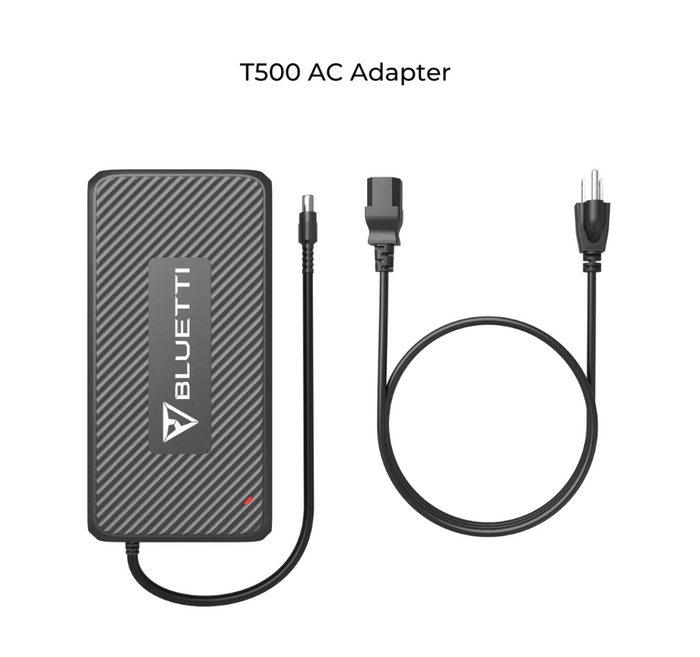
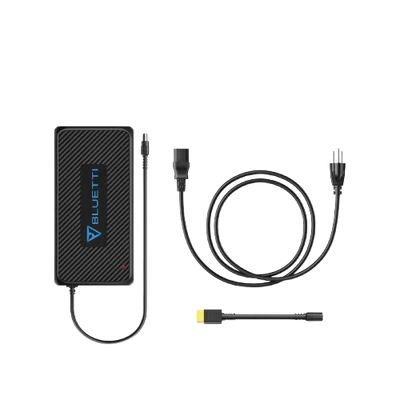
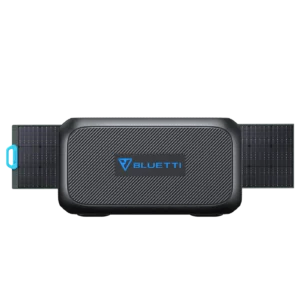
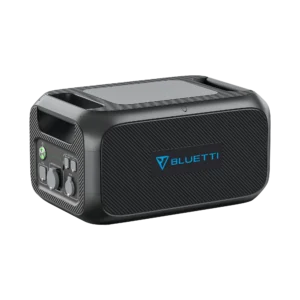
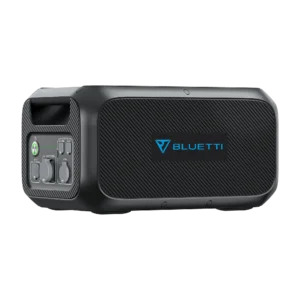
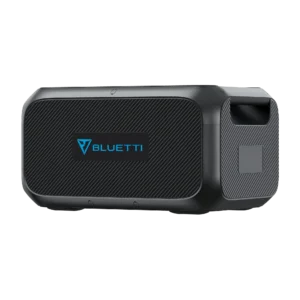
BLUETTI T500 AC Adapter Charger 500W for AC200 / AC300 / EP500 Series
The right adapter for the platform, not a generic replacement
The T500 is BLUETTI’s factory-original 500 W AC charging adapter for the mid-to-large power station lineup the AC200 series (AC200, AC200P, AC200Max), AC300, EP500 series, and the B230/B300 expansion batteries. If you’ve lost the original adapter, damaged the cable, or need a spare for a second charging location, the T500 is the correct replacement.
Third-party universal adapters can technically work but risk voiding warranty and providing incorrect voltage output which shortens battery life on power stations that cost $1,500 to $4,000+ NZD. Genuine BLUETTI adapters aren’t cheap, but they’re the right call on equipment at that price point.
The multi-adapter parallel setup the T500’s real value
The single reason the T500 matters more than most BLUETTI accessories: you can run two or three adapters in parallel to dramatically cut charging time. With the correct converter cable for your power station model, you connect multiple T500 adapters to different wall sockets and they charge your BLUETTI simultaneously.
Real-world charge time comparisons:
| Setup | Combined Input | Time to charge 3,000 Wh empty → full |
|---|---|---|
| Single T500 (500 W) | 500 W | ~6 hours |
| Dual T500 (1,000 W) | 1,000 W | ~3 hours |
| Triple T500 (1,500 W, EP500Pro/AC300 only) | 1,500 W | ~2 hours |
For anyone running a BLUETTI as active backup power or on off-grid rotation, cutting a 6-hour charge to 2 hours is genuinely transformative for operational flexibility.
Compatibility which cable you need for your model
The T500 works across the BLUETTI lineup, but the cable configuration depends on your specific power station. Match your model to the right setup:
| Your BLUETTI Model | Required Cable | Max Combined Input | Notes |
|---|---|---|---|
| B230 / B300 (expansion batteries) | Standard T500 (no extra cable) | 500 W single | Direct AC-to-battery-pack charging |
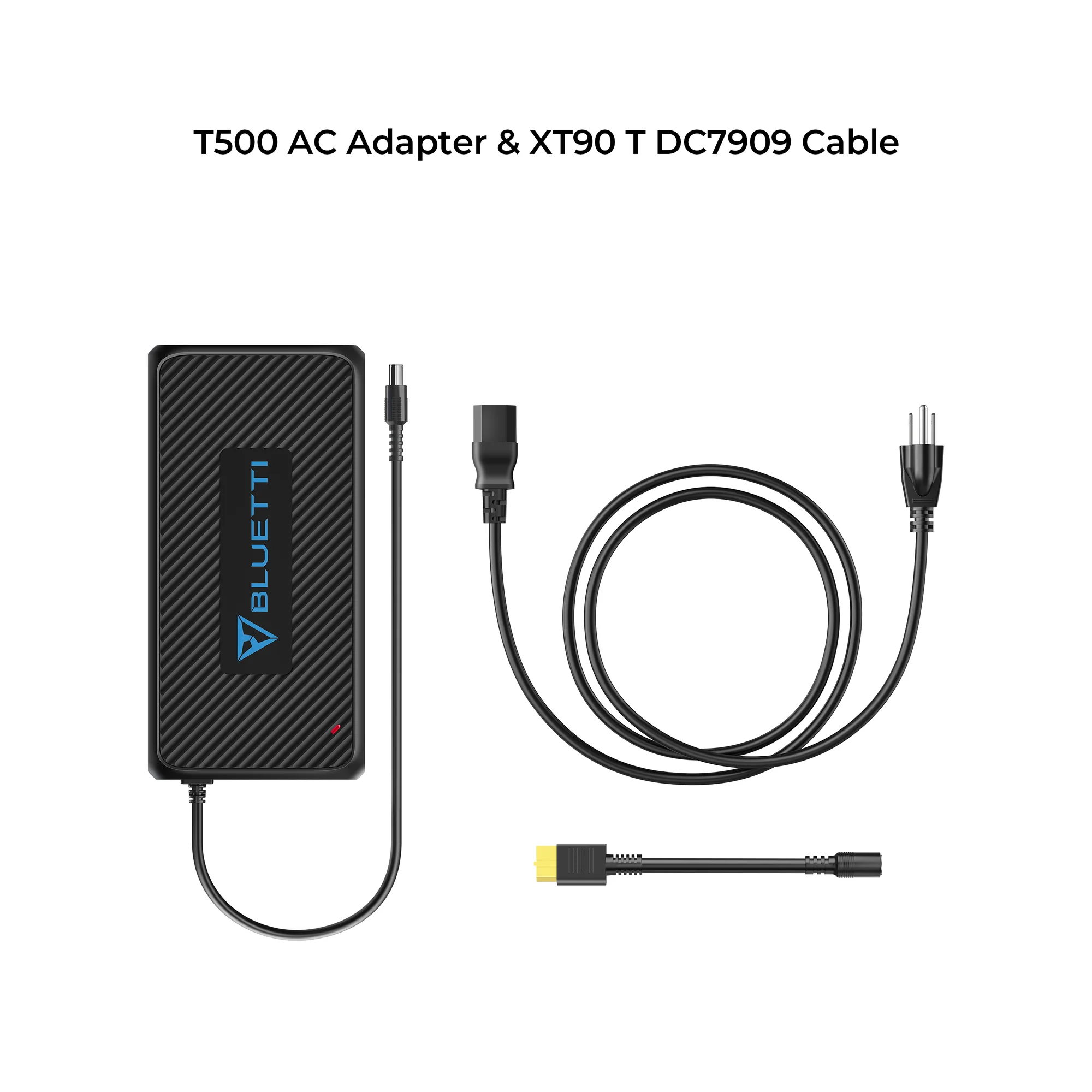
| AC200P / AC200 / AC200Max | T500 + XT90-to-DC7909 cable | 1,000 W (dual T500) | Cuts charge time in half |
| AC300 | T500 + DC7909-to-MC4 cable | 1,500 W (triple T500) | Largest supported input rate |
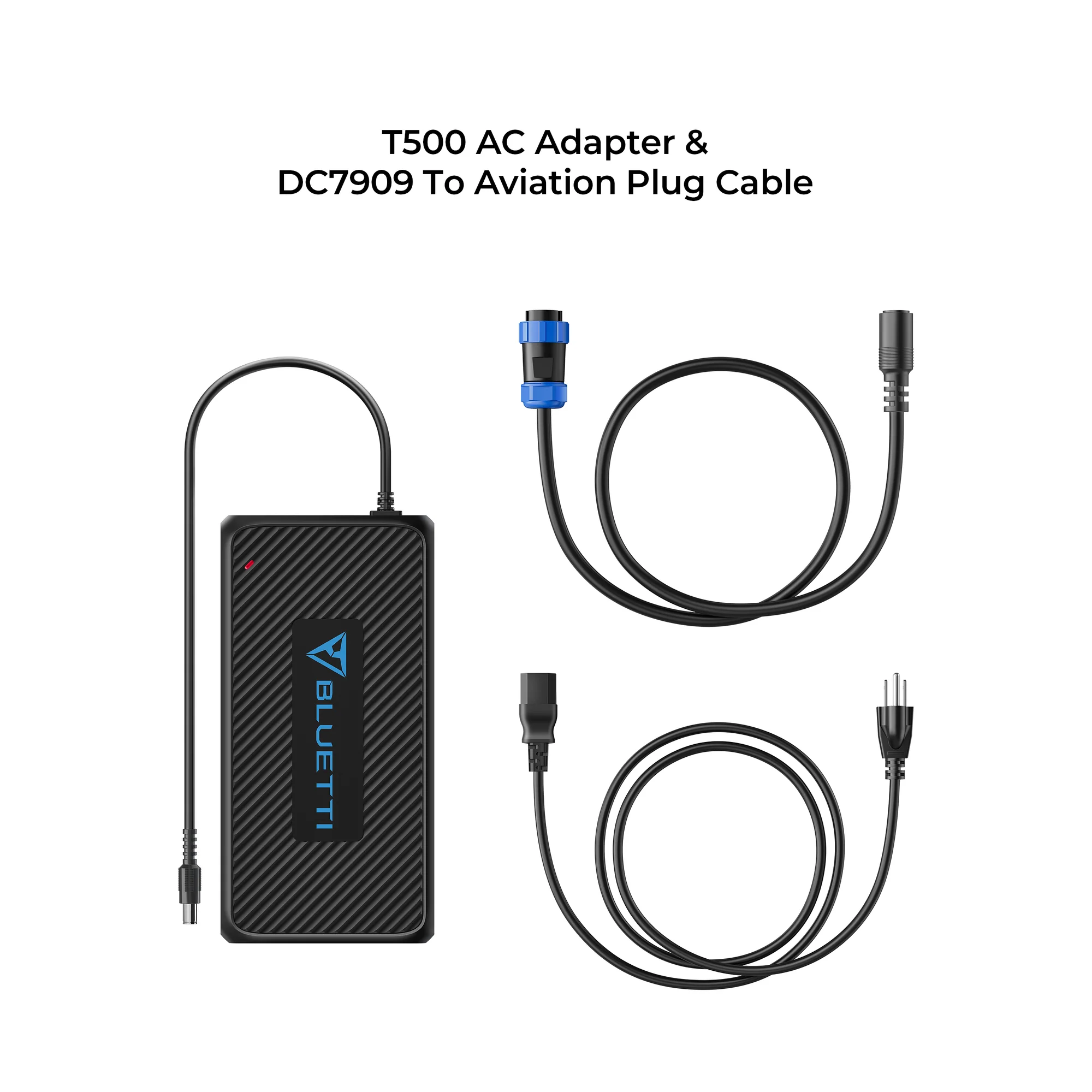
| EP500 | T500 + DC7909-to-Aviation Plug cable | 1,100 W (dual T500) | Two-socket setup |
| EP500Pro | T500 + DC7909-to-MC4 cable | 1,500 W (triple T500) | Three-socket setup |
| EB150 / EB240 (legacy) | Standard T500 | 500 W | Replaces original 200 W adapter, doubles charge rate |
If you’re using a single T500 with any of these models, you’ll charge at 500 W (the T500’s per-unit max). To hit the higher combined rates, you need multiple T500 adapters PLUS the specific converter cable listed above those cables are sold separately unless bundled with your original power station.
Full specifications
| Attribute | Detail |
|---|---|
| Product | BLUETTI T500 AC Adapter Charger |
| Max output per adapter | 500 W |
| Input voltage | 100–240 V AC (universal, worldwide) |
| Output connector | DC7909 barrel |
| Cable length | Approximately 1.5 m |
| Compatibility | B230, B300, AC200/AC200P/AC200Max, AC300, EP500, EP500Pro, EB150, EB240 |
| Parallel adapter support | Yes (up to 3 adapters on EP500Pro/AC300) |
| Type | Genuine BLUETTI accessory |
| Warranty | 12 months (per BLUETTI accessory warranty) |
What’s in the box
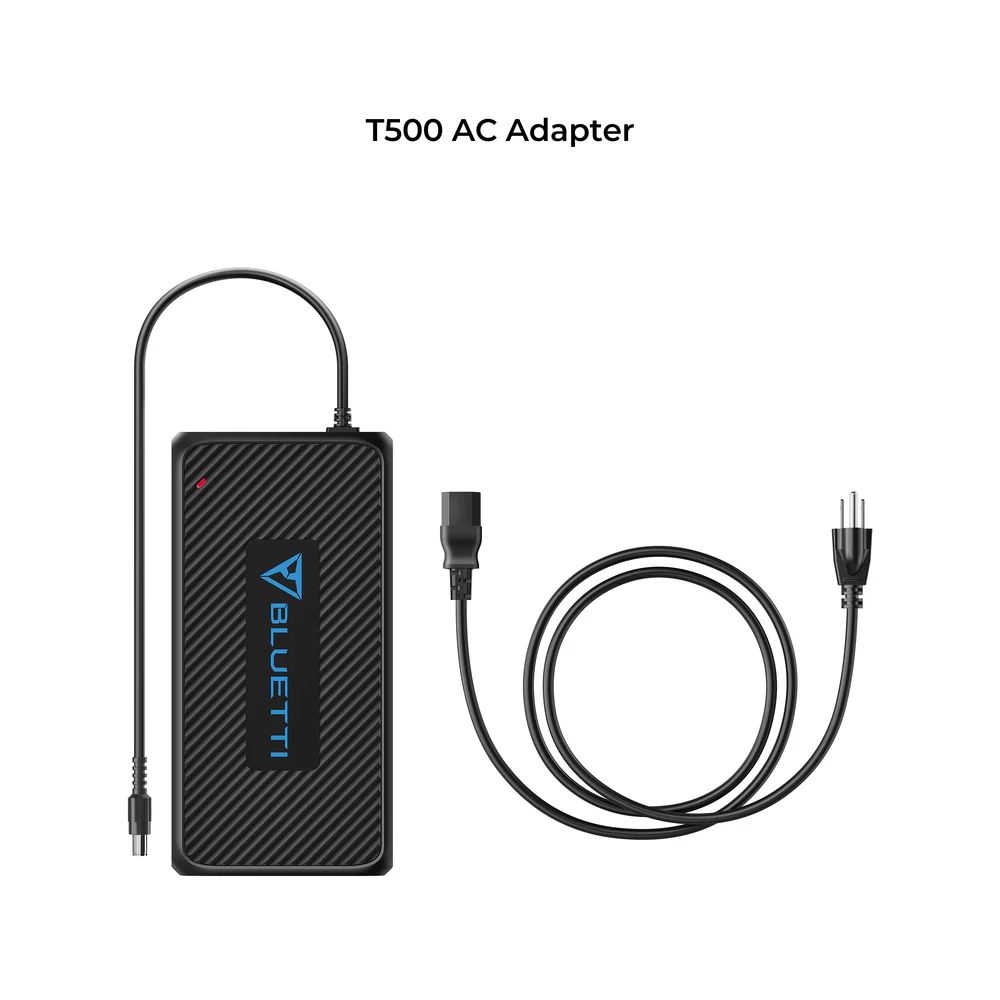
- 1 × BLUETTI T500 AC Adapter with attached DC output cable
- AC power cord (NZ Type-I plug for cybotixenergy.co.nz sales)
- Product care documentation
Not included (sold separately if you need parallel charging):
- Converter cables — the XT90-to-DC7909, DC7909-to-Aviation, or DC7909-to-MC4 cables required to run multiple T500 adapters in parallel on your specific power station model
- Additional T500 adapters — order 2 or 3 as needed for your parallel charging configuration
When you’d want multiple T500 adapters
The genuine use cases for buying more than one T500:
- Cutting charge time in half or more — the most common reason. Instead of leaving your BLUETTI plugged in overnight, hit 100% in 2-3 hours during a lunch break.
- Multiple charging locations — one at home, one in the workshop, one at the holiday bach. Grab the BLUETTI, plug it in wherever you are, no cable hunting.
- Off-grid generator efficiency — as one BLUETTI owner put it: “using a single 500 W adapter off a generator is slow and noisy. Two adapters make more efficient use of the generator by cutting run time in half.”
- Backup redundancy — spare adapters prevent downtime if one fails during a critical charging window.
- Family or shared use — running multiple BLUETTI units in the same household requires multiple adapters unless you’re happy hot-swapping.
Where the T500 sits in BLUETTI’s adapter ecosystem
BLUETTI ships several AC charging adapters across their product line. Each is specific to its platform’s voltage and connector configuration:
| Adapter | Compatible Units | Output |
|---|---|---|
| T200S | B80, EB55, EB70(S), older EB series | 200 W |
| T500 (this SKU) | B230, B300, AC200 series, AC300, EP500 series, EB150, EB240 | 500 W |
| D050S DC Enhancer | AC200/AC200P/AC200Max (DC input, not AC) | 500 W (DC-to-DC) |
| 30 A NEMA cables | AC240/AC240P (fast-charge, NA-only NEMA plug) | 2,200–2,400 W |
| 50 A Split-Phase cable | Paired AC500 (NA-only, split-phase) | 10,000 W |
If your BLUETTI is on the AC500, AC240, or Apex 300 platforms, the T500 isn’t your adapter those use different accessories entirely. But for the AC200 series, AC300, EP500 series, and B230/B300 batteries, the T500 is the correct choice.
Global voltage compatibility works anywhere
The T500’s input accepts 100–240 V AC at 50/60 Hz — the universal range that covers virtually every country’s residential electrical supply. You can use the same T500 unit in:
- New Zealand (230 V / 50 Hz)
- Australia (230 V / 50 Hz)
- UK (230 V / 50 Hz)
- Europe (230 V / 50 Hz)
- US and Canada (120 V / 60 Hz)
- UAE and most of Asia (220 V / 50 Hz)
- Jamaica and most of the Caribbean (110–120 V / 50/60 Hz)
The only regional variation is the plug on the AC end of the cord — NZ retailers supply the Type-I plug (AS/NZS 3112) that fits NZ wall sockets. For international travel, you’d need a plug adapter or a region-specific cord.
Care and maintenance
- Keep the adapter on a flat, ventilated surface during charging — it produces heat during operation, particularly at sustained 500 W output
- Don’t cover the adapter with cushions or fabric while charging — heat buildup can trigger the safety cutoff
- Unplug from the wall when not in use — no benefit to leaving it plugged in idle
- Keep away from water and heavy dust — not rated for outdoor or damp environments
- Clean with a soft dry cloth only — no liquid cleaners
- Store coiled loosely — tight coils damage internal conductors over time

 No products in the cart.
Reviews
There are no reviews yet.