
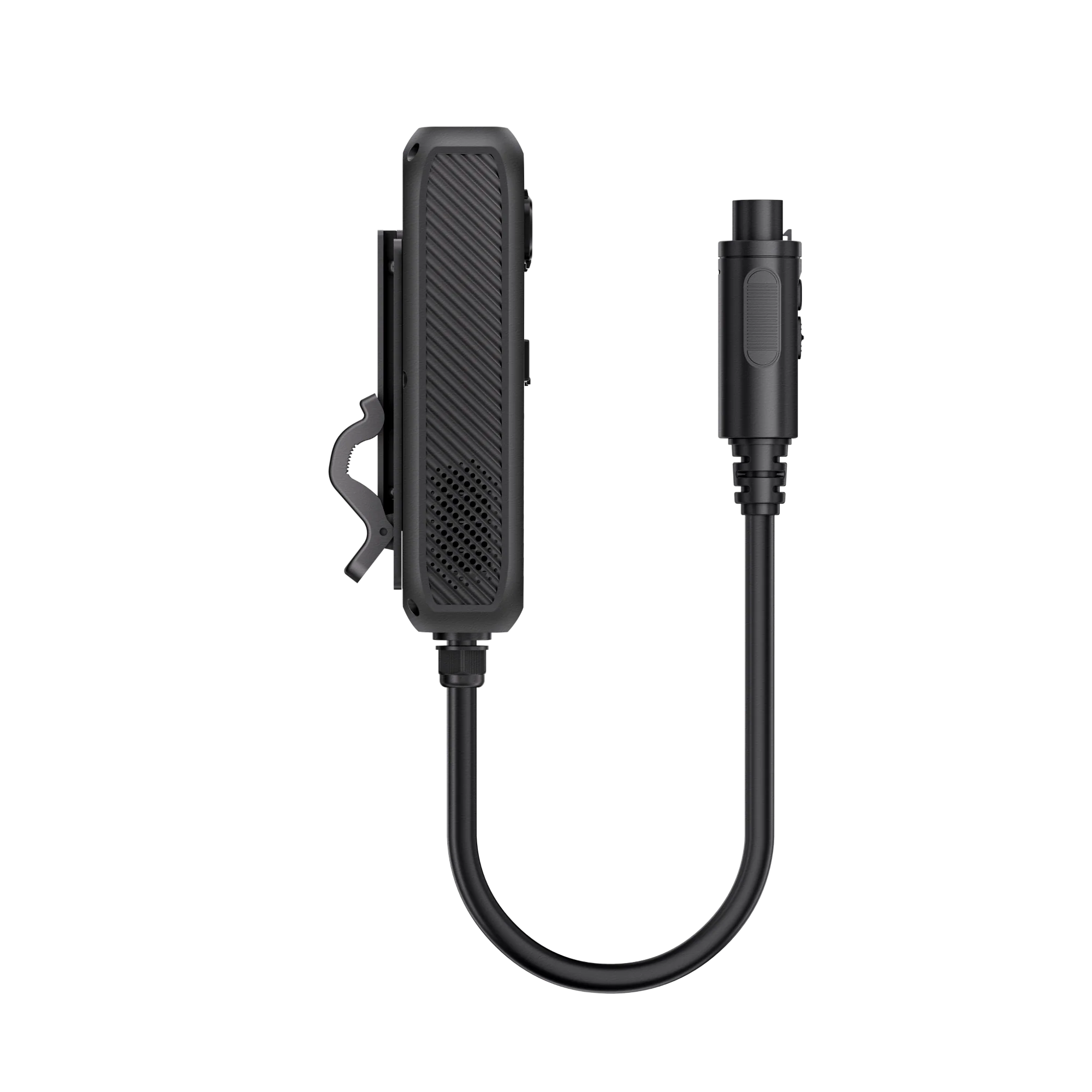
BLUETTI Hub D1 Power Hub 700W DC Distribution for Apex 300
The Apex 300 already delivers DC output but through a limited set of ports. If you’re running a serious mobile power setup, you quickly find yourself juggling adapters, splitters, and manual reconfigurations every time you swap devices.
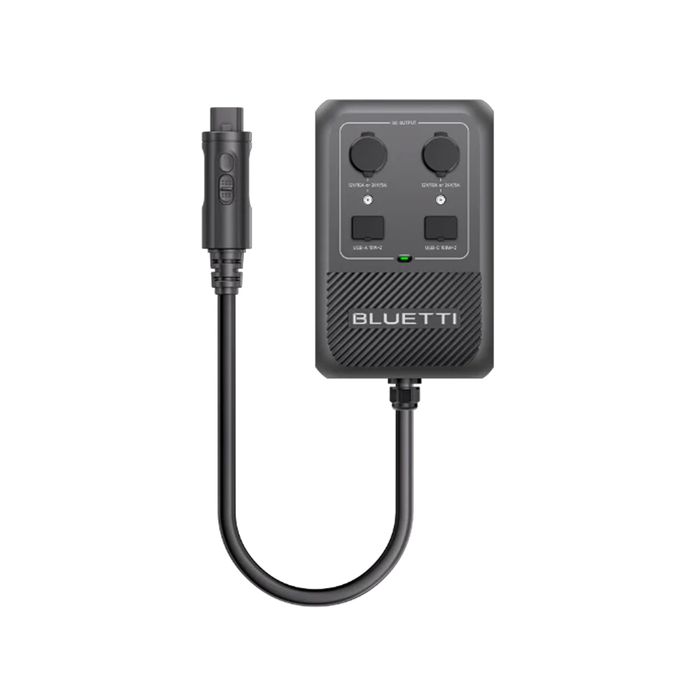
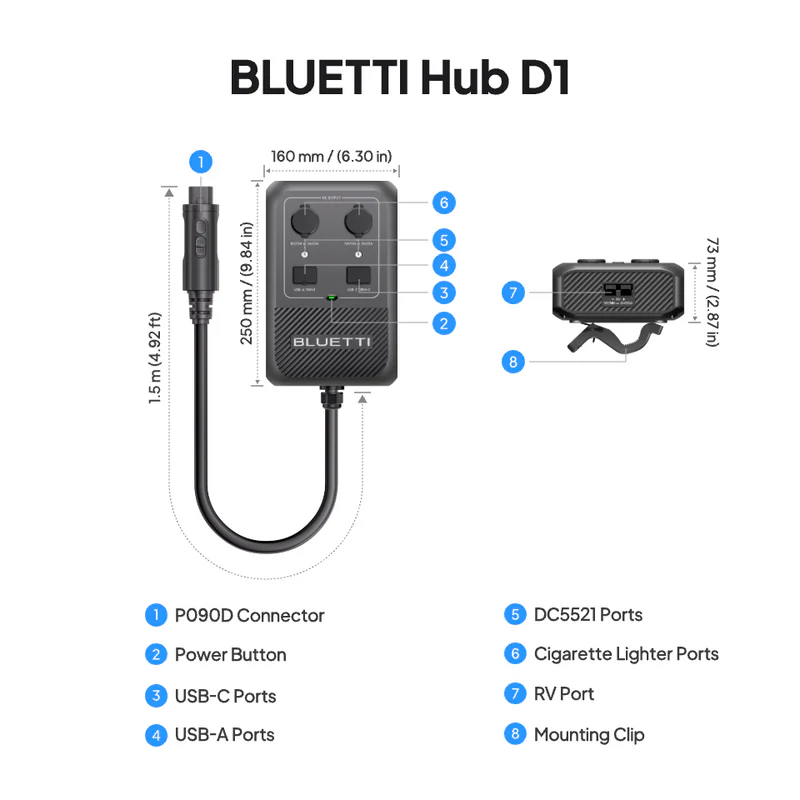
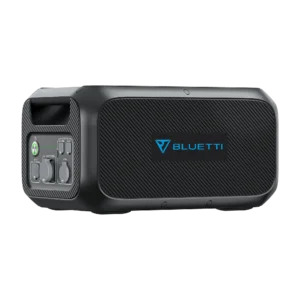
The Hub D1 Power Hub solves this by consolidating seven DC outputs into a single clip-on module that connects to your Apex 300’s expansion port. From the moment it’s connected, you have simultaneous access to:
- A 50 A Anderson RV port for high-current appliances
- Two USB-C PD 3.0 ports for modern laptops and fast-charging devices
- Two cigarette lighter / DC5521 ports for standard 12 V accessories
- Two USB-A ports for smaller electronics
Total combined output: 700 W maximum. Enough to run a portable fridge, a diesel heater, and charge a laptop and phone simultaneously — from a single BLUETTI setup.
The seven ports what each one does
| Port | Type | Rating | Best For |
|---|---|---|---|
| 1 × RV | Anderson 50 A | 12V/50A or 24V/25A (voltage-switchable) | Portable fridges, diesel heaters, rooftop AC units, marine systems |
| 2 × DC | Cigarette lighter / DC5521 (shared) | 120 W combined; up to 120 W each | Standard 12 V accessories, fans, lights, chargers |
| 2 × USB-C | PD 3.0 | Up to 100 W each (5/9/12/15/20 V @ 3 A; 20 V @ 5 A) | Modern laptops, tablets, fast-charge phones |
| 2 × USB-A | Standard | 15 W combined (5 V @ 3 A each) | Phones, small electronics, LED lights |
The cigarette lighter and DC5521 ports are wired in parallel — you can use them independently or with different adapter types, and they share the 120 W total between them.
The Anderson 50 A RV port the high-current workhorse
The single biggest capability jump over the Apex 300’s built-in ports is the 50 A Anderson RV port. This is what makes the Hub D1 genuinely useful for serious mobile power setups.
At 12 V / 50 A (or 24 V / 25 A via app switching), it delivers up to 600 W through one connection enough to power:
- Portable fridges and freezers — 12 V compressor fridges pull heavy startup current the Apex 300’s smaller DC ports struggle with
- Diesel heaters — Chinese/Webasto-style diesel heaters have significant startup surge that this port handles cleanly
- Rooftop air conditioners — 12 V rooftop AC units in van conversions and small campers
- Camping/expedition equipment — anything designed for a proper deep-cycle battery setup
- Marine systems — bilge pumps, nav lights, chart plotters, communications gear on boats
- Off-grid cabin systems — 12 V lighting circuits, water pumps, small refrigeration
The Anderson connector itself is genuinely superior to cigarette lighter connections lock-fit design prevents accidental disconnection on rough roads, and the larger contact area minimises arcing under high-current loads.
Smart voltage switching 12 V or 24 V via the app
The Hub D1’s Anderson port outputs either 12 V (green LED indicator) or 24 V (blue LED indicator) based on what your connected device requires. Switching happens through the BLUETTI app via Bluetooth — no physical switches to hunt for, no wrong-voltage risks.
Practical implication: if your setup has mixed 12 V and 24 V devices, you can reconfigure the port without disconnecting anything except the device that changed. Handy for van conversions and marine setups where different loads have different voltage requirements.
Critical safety note: verify the voltage requirement of your connected device BEFORE connecting. Sending 24 V to a device rated only for 12 V can damage or destroy it. The app-based switching is convenient but doesn’t detect what’s connected — that’s on you.
App control and monitoring
The Hub D1 connects to your phone via Bluetooth and integrates with the BLUETTI app for:
- Real-time power monitoring — see wattage draw across all seven ports
- Voltage switching — toggle between 12 V and 24 V on the Anderson port
- Error alerts — overload, short-circuit, and over-temperature warnings
- Firmware updates — periodic improvements delivered over the air
For anyone running an off-grid setup where power management actually matters, the monitoring alone justifies the cost. Knowing exactly what’s drawing power at any moment and getting alerted before something fails — is genuinely useful in the field.
Compatible power stations read this before ordering
Confirmed compatible:
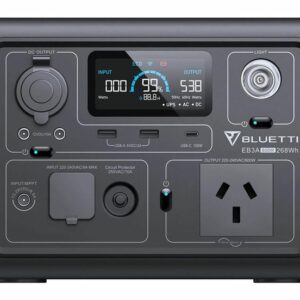
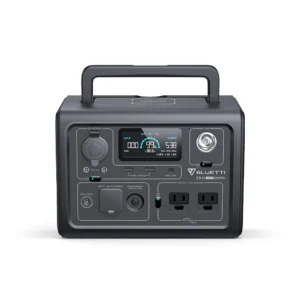
- ✅ BLUETTI Apex 300 (portable power station)
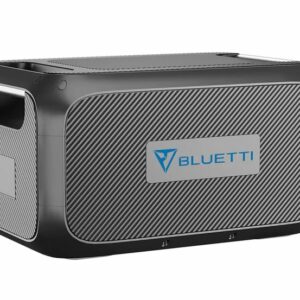
- ✅ BLUETTI B300K (expansion battery)
- ✅ BLUETTI B300 (expansion battery)
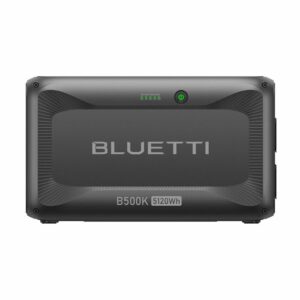
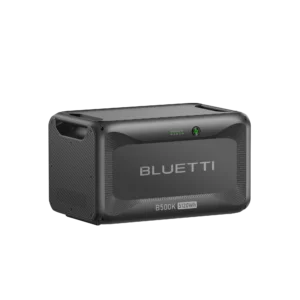
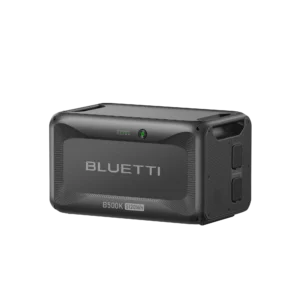
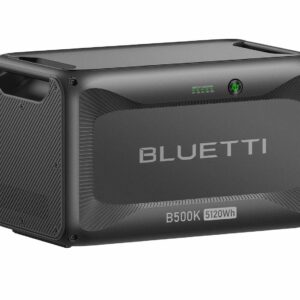
- ✅ BLUETTI B500K (expansion battery)
- ✅ Future BLUETTI models with the 48 V/90 A P090D interface
Not compatible:
- ❌ BLUETTI AC500 / AC300 / AC240 / AC200 series / AC180 / AC70 / AC60 different expansion interfaces, no P090D connection
- ❌ BLUETTI EB55 / EB70 / EB120 / EB150 / EB240 — legacy EB-series platform
- ❌ BLUETTI EP500 Pro / EP800 / EP900 — whole-home ESS platforms with different architecture
- ❌ Any non-BLUETTI power station — the P090D interface is BLUETTI-specific
The Hub D1 requires the 48 V/90 A P090D interface on your power station that’s a specific hardware feature currently only on the Apex 300 and its compatible expansion batteries. If you own any other BLUETTI model, this accessory won’t work you’d be looking at the smaller D40 DC hub or one of BLUETTI’s other DC accessories.
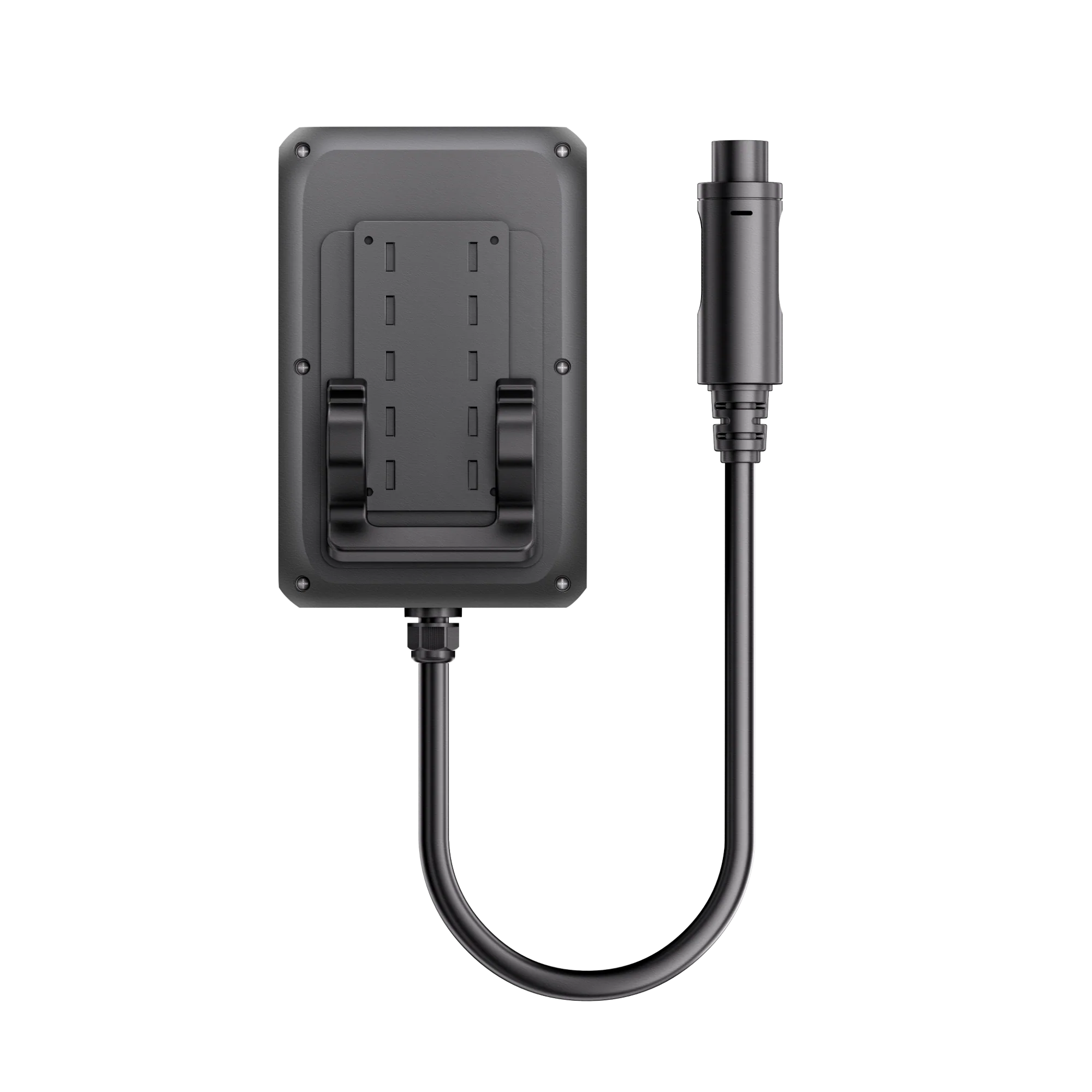
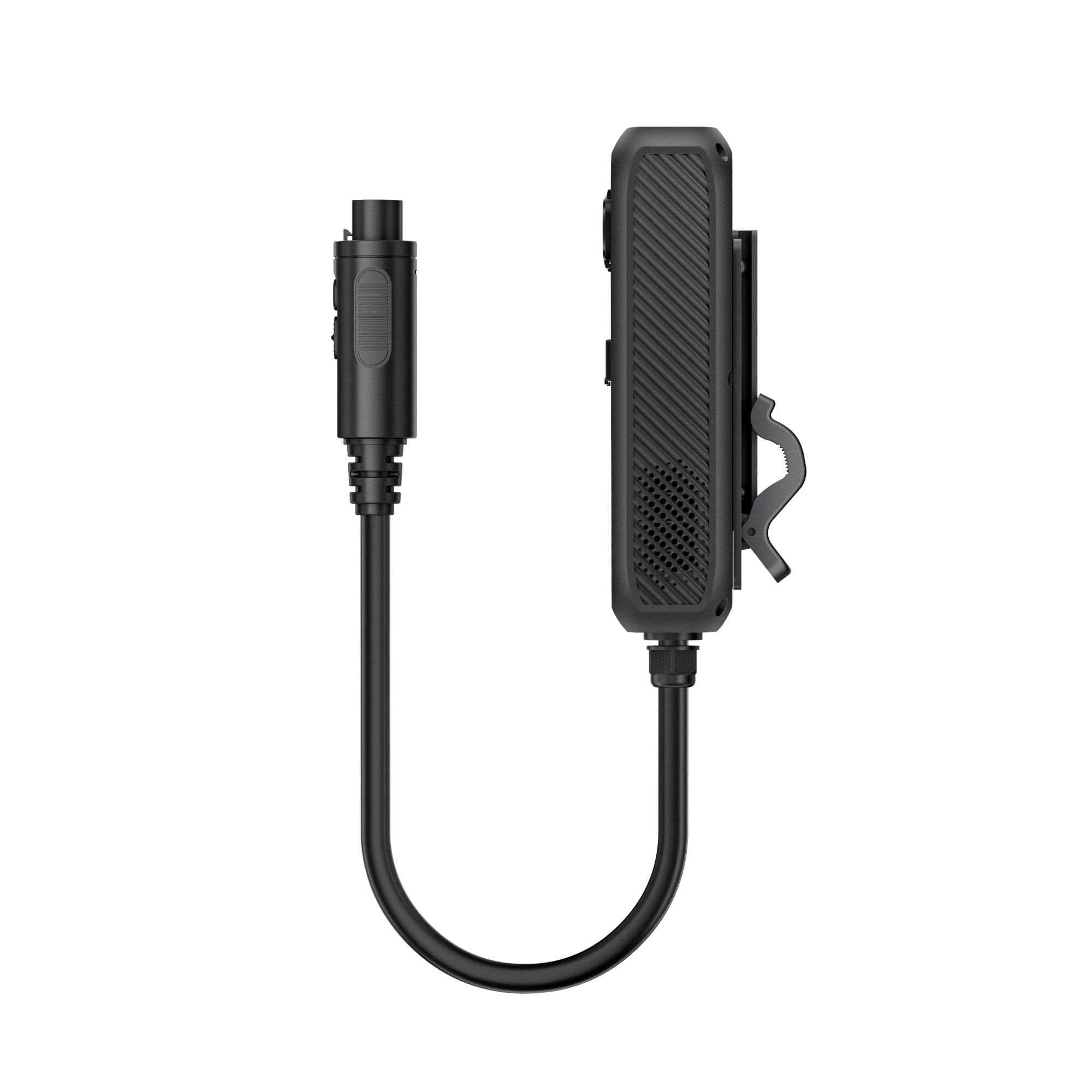
Physical design clip-on or wall mount
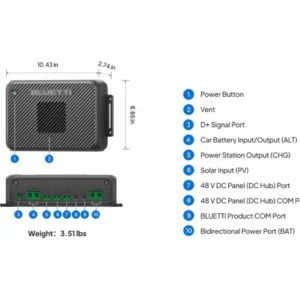
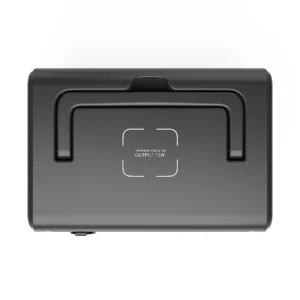
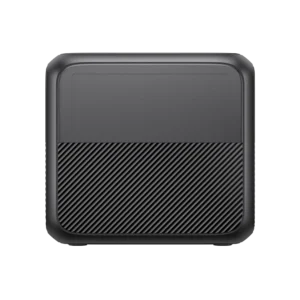
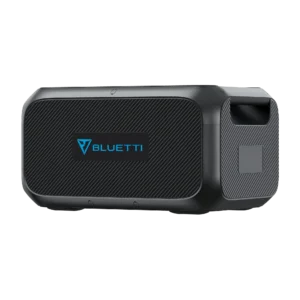
The Hub D1 is genuinely compact 4.19 lbs (1.9 kg) in a form factor sized to clip onto the Apex 300’s handle. Two mounting options:
- Clip onto the Apex 300 handle the module rides with the power station as one unit; ideal for portable setups you move around
- Wall mount — install it fixed to a wall (van interior, cabin, boat electrical panel) with the Apex 300 tethered via the P090D cable; ideal for semi-permanent installations
Built from PC+ABS 94V0 flame-retardant material with an aluminium enclosure and TPU-coated handle. Genuinely engineered for mobile/outdoor duty rather than living-room use.
Full specifications
| Attribute | Detail |
|---|---|
| Product | BLUETTI Hub D1 DC Power Hub |
| Total output | 700 W maximum |
| Compatible power stations | Apex 300, B300K, B300, B500K (via 48V/90A P090D interface) |
| Anderson RV port | 12V/50A or 24V/25A (voltage-switchable via app) |
| Cigarette Lighter / DC5521 ports | 2 × shared parallel, 120 W combined max |
| USB-C PD 3.0 ports | 2 ×, up to 100 W each (5/9/12/15/20 V @ 3 A; 20 V @ 5 A) |
| USB-A ports | 2 ×, 15 W combined (5 V @ 3 A each) |
| Voltage switching | 12 V (green LED) / 24 V (blue LED) via BLUETTI app |
| Connectivity | Bluetooth to BLUETTI app |
| Weight | 4.19 lbs / 1.9 kg |
| Material | PC+ABS 94V0 flame retardant + aluminium enclosure |
| Mounting | Clip-on to Apex 300 handle or wall mount |
| Protection | Overload, short-circuit, over-temperature |
| Warranty | 12 months (per BLUETTI accessory warranty) |
| Type | Genuine BLUETTI accessory |
What’s in the box
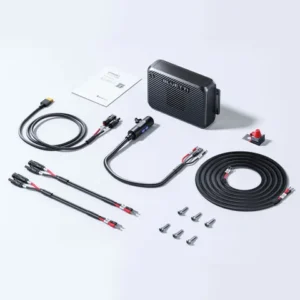
- 1 × BLUETTI Hub D1 Power Hub
- Mounting hardware for wall-mount installation
- P090D connection cable to Apex 300 (verify some retailers ship separately)
- Quick-start guide
- Product care documentation
Not included (sold separately):
- BLUETTI Apex 300 or expansion batteries
- Any Anderson-to-device connection cables (varies by device)
- USB-C or USB-A cables
NZ use cases where this actually earns its keep
For NZ Apex 300 owners, the Hub D1 typically pays off in three specific setups:
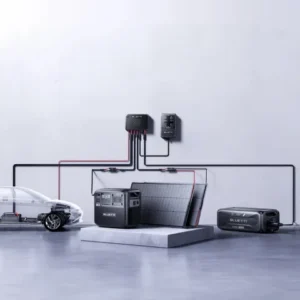
- Van conversion builds — one Apex 300 + Hub D1 handles fridge, lighting, water pump, USB devices, and a laptop workstation from a single central unit. No aftermarket 12 V fuse box, no cigarette-lighter-splitter towers.
- Off-grid cabins and cribs — Central Otago, Northland, Coromandel bach setups where you want reliable DC distribution without permanent electrical work. Clip the Hub D1 to the Apex 300, hardwire your DC circuits to the Anderson port, and you have a portable off-grid power hub.
- Boat and marine setups — 12 V nav electronics, LED lights, refrigeration, communications all from one Apex 300 + Hub D1 combination that can also come off the boat for shore use.
Care and maintenance
- Keep the ports clean and dry — the Hub D1 is engineered for outdoor use but not submersion
- Verify voltage settings before connecting new devices to the Anderson port
- Inspect connections regularly — Anderson connectors are secure but any high-current setup benefits from periodic connection checks
- Update firmware when prompted — improvements roll out through the BLUETTI app over Bluetooth
- Don’t exceed 700 W total — the internal protection will trip, but sustained overload accelerates component wear

 No products in the cart.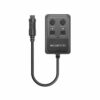
Reviews
There are no reviews yet.