
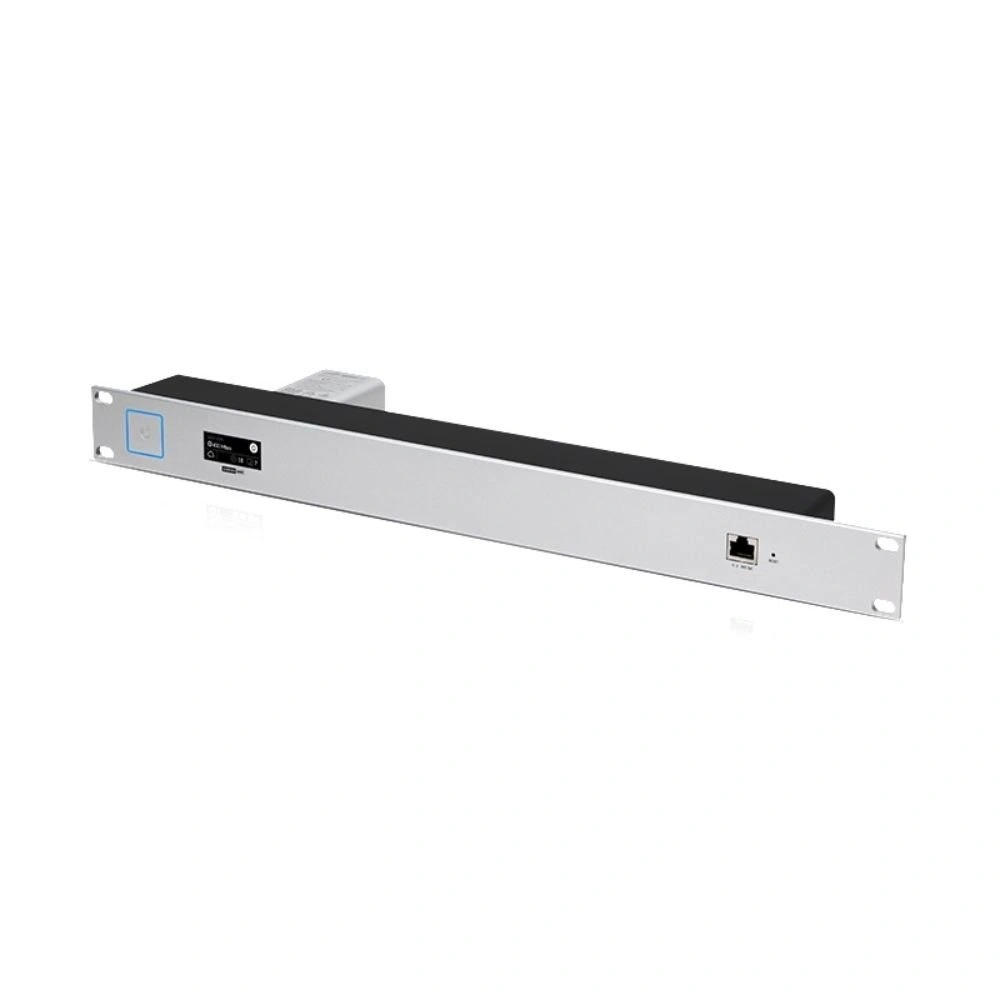
CloudKey G2 Rack Mount – 19″ Rack Mount Accessory for UniFi Cloud Key Gen2 & Gen2 Plus
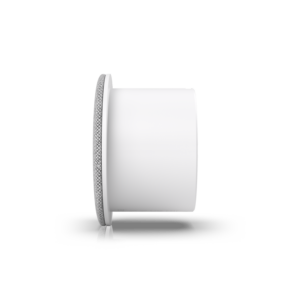
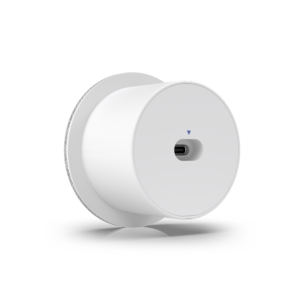
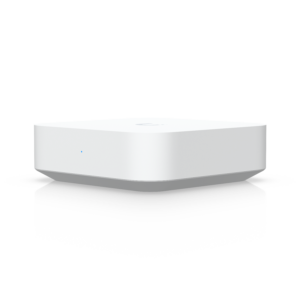
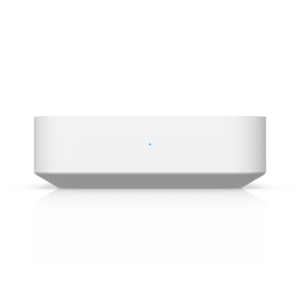
Give your UniFi controller a proper home. The CloudKey G2 Rack Mount (CKG2-RM) lets you mount a Cloud Key Gen2 or Cloud Key Gen2 Plus into any standard 19-inch rack, turning a loose desktop device into a tidy, secure 1U installation. Everything you need the mount, four cage nuts, and M6 bolts is in the box.
If your Cloud Key is currently sitting on top of a switch or dangling from its Ethernet cable, this is the fix.
Why rack-mount your Cloud Key?
A Cloud Key runs your entire UniFi network controller, Protect NVR (on the G2 Plus), device adoption, the lot. Leaving it loose in a cabinet invites the two most common causes of Cloud Key downtime: accidental cable knocks and unplanned power disconnections. Locking it into the rack alongside your switches and patch panels means:
- No accidental disconnections. The Cloud Key clicks into the docking bay and stays put, even in a busy comms cabinet.
- A cleaner cable run. The RJ45 port faces forward with your patch panel, not buried at the back of a shelf.
- A professional finish. One consistent 19″ fascia across the rack the detail clients and auditors notice.
Front-panel access to everything that matters
The mount is designed so you never have to pull the Cloud Key out for day-to-day management:
- Ethernet (RJ45) port exposed on the front for a clean, direct patch connection
- Reset button accessible for troubleshooting or factory resets without dismounting
- Status LED clearly visible, so you can confirm power and controller state at a glance
Fits Gen2, Gen2 Plus — and adjusts for the UCK-G2
The docking bay locks both the Cloud Key Gen2 and the deeper Cloud Key Gen2 Plus firmly into place. Running the standard UCK-G2? Press the locking tab on the rear of the mount and the bay adjusts to fit that model too one accessory covers the whole Gen2 family, so you’re not buying a different mount if you upgrade later.
Simple, secure installation
Installation takes minutes with the included hardware:
- Fit the four cage nuts into your rack rails.
- Secure the mount with the supplied M6 bolts.
- Click your Cloud Key into the docking bay until it locks.
No drilling, no third-party brackets, no zip ties.
Specifications
| Detail | Specification |
|---|---|
| Model | CKG2-RM |
| Rack size | Standard 19-inch, 1U |
| Compatibility | Cloud Key Gen2 (UCK-G2), Cloud Key Gen2 Plus (UCK-G2-PLUS) |
| Front access | RJ45 Ethernet, reset button, status LED |
| Included hardware | 4× cage nuts, 4× M6 bolts |
| Cloud Key sold separately | Yes |
Who it’s for
- MSPs and installers standardising client comms cabinets
- Businesses running UniFi Network or Protect from a Gen2 Plus
- Home lab builders who want the rack to look as good as it performs
 No products in the cart.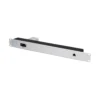
Reviews
There are no reviews yet.